
AI Agents for Electrical Service Businesses: Reassigning Urgent Jobs When Your Technician Can't Make It
You get the call at 7:40 a.m. A customer's main breaker keeps tripping, and the kitchen is dark. The technician you scheduled for that window just texted that…
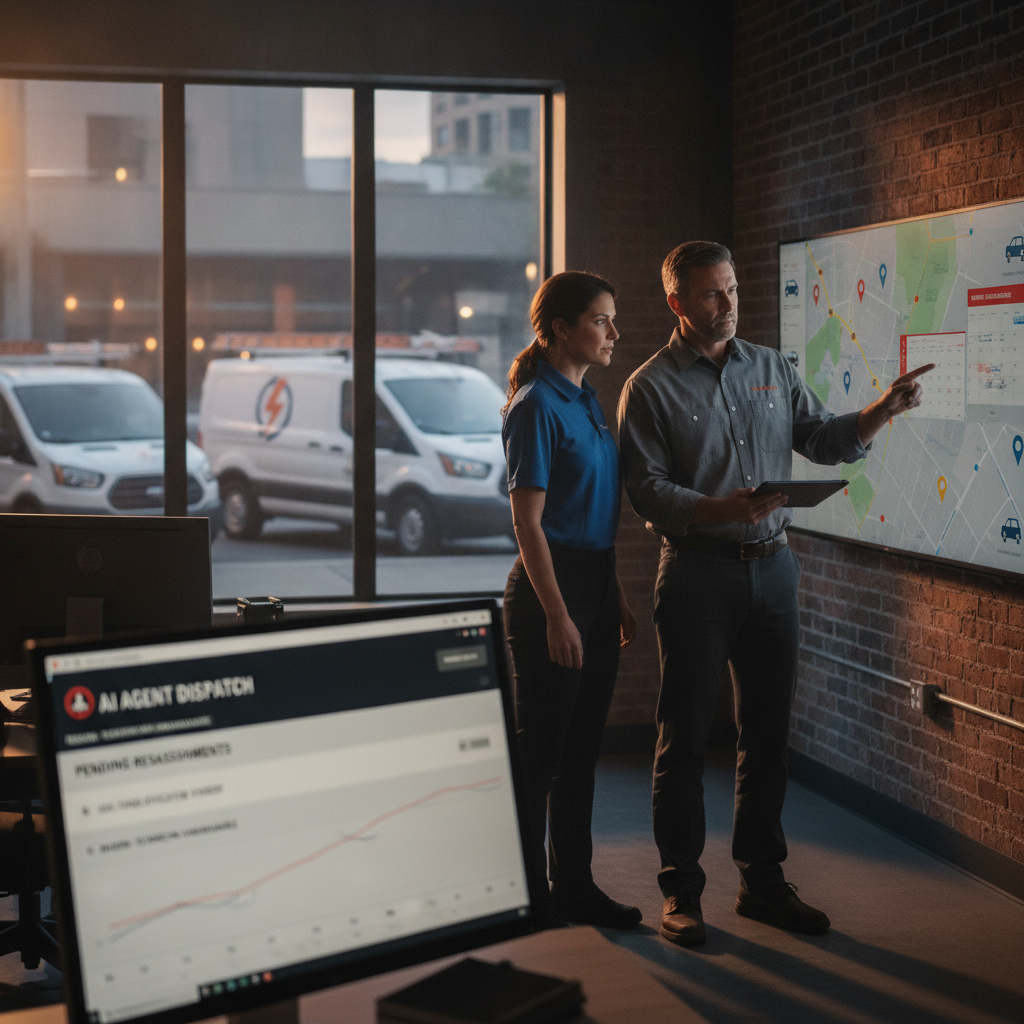
The bottleneck in your business
You get the call at 7:40 a.m. A customer's main breaker keeps tripping, and the kitchen is dark. The technician you scheduled for that window just texted that his van won't start. You're on the phone with the customer, checking your calendar for the next available electrician, texting a dispatcher, and trying to remember which tech holds the panel-replacement certification. By the time you've reassigned someone and sent an updated ETA, twenty minutes have passed and the customer is wondering if you're still coming.
For a small electrical service business, the bottleneck isn't the dispatch decision itself. It's the coordination around it: confirming skill match, checking proximity, updating the customer, logging why the change happened, and making sure the approval trail is intact. PLMBR's Provider Enterprise offering is built to handle that coordination by call, text, or email, so the reassignment happens inside your office rules rather than in a scramble of phone calls and sticky notes. PLMBR for your business describes the operating layer as one that runs across customer conversations, scheduling and dispatch, estimates, booking packets, follow-up, finance, and connected systems, with office rules, permissions, approvals, and human takeover built in.
How PLMBR AI agents help with this workflow
When an urgent electrical job comes in—or when a scheduled technician drops out—the PLMBR dispatch agent works through a defined sequence. It matches the job by trade, skill, technician availability, urgency, proximity, and office, then assigns the right technician and sends the customer an ETA update. That is the core dispatch step, and it is documented on the Provider Enterprise page.
Two additional layers keep the reassignment governed:
- Schedule coordination and assignment changes retain their reason, owner, and history. When the van breakdown triggers a swap, the record shows who made the change, why, and what the prior assignment was. You are not reconstructing the story from memory at the end of the day.
- Office rules, approvals, and human takeover set the boundaries. The agent operates inside explicit company knowledge—your SOPs, service rules, territories, and approval limits. If a reassignment crosses an approval threshold (for example, dispatching a tech outside their normal territory for an urgent panel job), the action routes to the named approver. An authorized operator can take over any channel immediately, and an emergency pause halts automation across the board.
Appointment booking and technician dispatch are distinct steps in this workflow. Booking confirms the visit window; dispatch assigns the specific technician and communicates the ETA. PLMBR keeps those separate so a schedule change does not silently alter a confirmed appointment without a logged reason.
The business inputs and existing tools to discuss during onboarding
Connection delivery happens during onboarding around your authorized accounts, system capabilities, security requirements, and operating method. You keep your existing systems, accounts, and workflows while PLMBR operates across them. Before the first demo, gather:
- Your technician roster with trade, skill, and certification notes (panel work, EV charger install, commercial vs. residential).
- Office rules: territory boundaries, urgency tiers, approval thresholds for out-of-territory dispatch or overtime.
- Your current field-service management or scheduling tool, and whether you use GPS or telematics for fleet tracking.
- Your phone number setup—forwarding, porting, BYOC/SIP, or hosted messaging—so the agent can operate under the identity your customers already know.
- Any connected accounting, payroll, or CRM systems you want the agent to reference for job context.
The product walkthrough shows how calls, texts, and email become the operating surface, so you can run the reassignment from a thread without opening a separate dashboard.
Workflow at a glance
| Task | Documented agent capability | Office decision or demo question |
|---|---|---|
| Urgent electrical intake (call, text, or email) | Inbound and outbound calling, texting, and email handled by the agent; emergency and after-hours intake with escalation path | What urgency tier triggers immediate dispatch vs. scheduled callback? |
| Technician assignment for the reassignment | Match by trade, skill, availability, urgency, proximity, and office; assign the right technician | Which certifications must the replacement tech hold for a panel job? |
| Customer ETA update after reassignment | Agent sends the updated ETA to the customer | What language and timing do you want for the "your tech changed" message? |
| Schedule-change logging | Assignment change preserves reason, owner, and history in the operating record | Who is the named owner for a mid-day swap—the dispatcher or the office manager? |
| Approval routing for out-of-territory or overtime dispatch | Actions follow company thresholds and named approvers; audit history records the request, context, action, approval, and responsible person | What dollar or distance threshold requires owner sign-off before the tech is dispatched? |
| Human takeover if the customer escalates | Immediate human takeover on any channel; emergency pause control available | Who is the first and second escalation contact after 5 p.m.? |
Scroll to see all columns →
Owner review, exceptions, and human takeover
The agent does not operate on a generic playbook. It acts inside the company knowledge you define: SOPs, price books, service rules, territories, approval limits, and brand voice. Read-only and draft-only modes, bounded autonomy, and least-privilege access determine what the agent can see, prepare, and do at each step.
When an exception occurs—say, the only available tech is two counties away and the customer is asking for a guaranteed arrival time—the agent routes the decision to the right approver rather than guessing. Every consequential step carries an audit record: the request, the context, the action taken, the approval, the connected system involved, and the responsible person or agent.
If the situation exceeds the agent's authority, an authorized operator can take over the conversation immediately. The emergency pause control stops automation across all channels if you need to step in and handle the next hour manually. You are not locked into an automated response when a customer is frustrated and wants a human voice.
Illustrative job: customer inputs and demo questions
This is a demo evaluation exercise, not a record of a real job. Use it to test the workflow in a PLMBR session.
Customer inputs (you provide these in the demo):
- Call or text: "My main breaker tripped three times this morning. The whole kitchen is dark. I need someone today."
- Scheduled tech (J. Alvarez) texts the office: "Van won't start. Can't make the 9 a.m. window."
- Office rule: panel-related jobs require a tech with the "Panel & Service Entrance" skill tag.
- Approval threshold: dispatching outside the 15-mile territory requires owner sign-off.
Questions to test in the demo:
- When the agent receives the van-breakdown text, does it flag the open job and begin the reassignment match by skill, availability, urgency, proximity, and office?
- Does the customer receive an ETA update, and does the message reference the original appointment?
- If the closest qualified tech is 18 miles away, does the agent route the out-of-territory dispatch to the owner for approval before confirming?
- After the reassignment, does the operating record show the original assignment, the reason for change, the new tech, and the approver?
- If the customer calls back and asks to speak to a person, does the handoff to a human operator happen without losing the job context?
How to evaluate this workflow
Does PLMBR handle the reassignment without me opening a separate dispatch app?
The Provider Enterprise page documents that you can run the application by texting or emailing the agent—dispatch work, update customers, approve changes—without opening PLMBR unless you want to. Confirm in the demo that a text like "reassign the 9 a.m. panel job, tech is out" triggers the full match-and-assign sequence.
Will my existing scheduling tool and GPS stay in place?
Yes. The page states that the customer keeps existing systems, accounts, and workflows while PLMBR operates across them, with connections to field-service management, GPS, and telematics configured during onboarding. Verify in the demo which specific connections apply to your current stack and what the data flow looks like for technician location.
What happens if no qualified tech is available in the urgency window?
The documented operating boundaries include escalation paths and immediate human takeover. Ask in the demo how the agent communicates the gap to the customer and to the owner, and whether it can hold the job in a "pending reassignment" state while you make a manual call.
How do I confirm the approval trail is complete after a mid-day swap?
Audit history records the request, context, action, approval, connected system, and responsible person or agent. In the demo, ask to view the record for the illustrative job above and confirm that the reason, the approver, and the timestamp are all present.
Next step and demo invitation
Start by evaluating PLMBR when urgent electrical jobs and mid-day schedule changes are the workflow that eats your office manager's morning. The dispatch agent's match-by-skill-and-proximity logic, the governed approval routing, and the immediate human takeover are the three pieces that turn a 20-minute scramble into a logged, approved reassignment.
We put the whole company within asking distance—by call, text, or email—so the next time a van won't start at 7:40 a.m., the reassignment, the customer update, and the approval trail happen in one governed sequence.
Book a Provider Enterprise demo to walk through the illustrative job above with your own technician roster, office rules, and approval thresholds. You can also explore PLMBR for your business, review the product walkthrough, or browse our blog for more home service workflow guides.