
AI Agents for Home Service Providers: Follow Up on Invoices and Reactivate Maintenance Customers with Approved Rules
Your office manager spends Tuesday morning working through a spreadsheet of unpaid invoices. Three customers are past due. Five maintenance-plan customers…
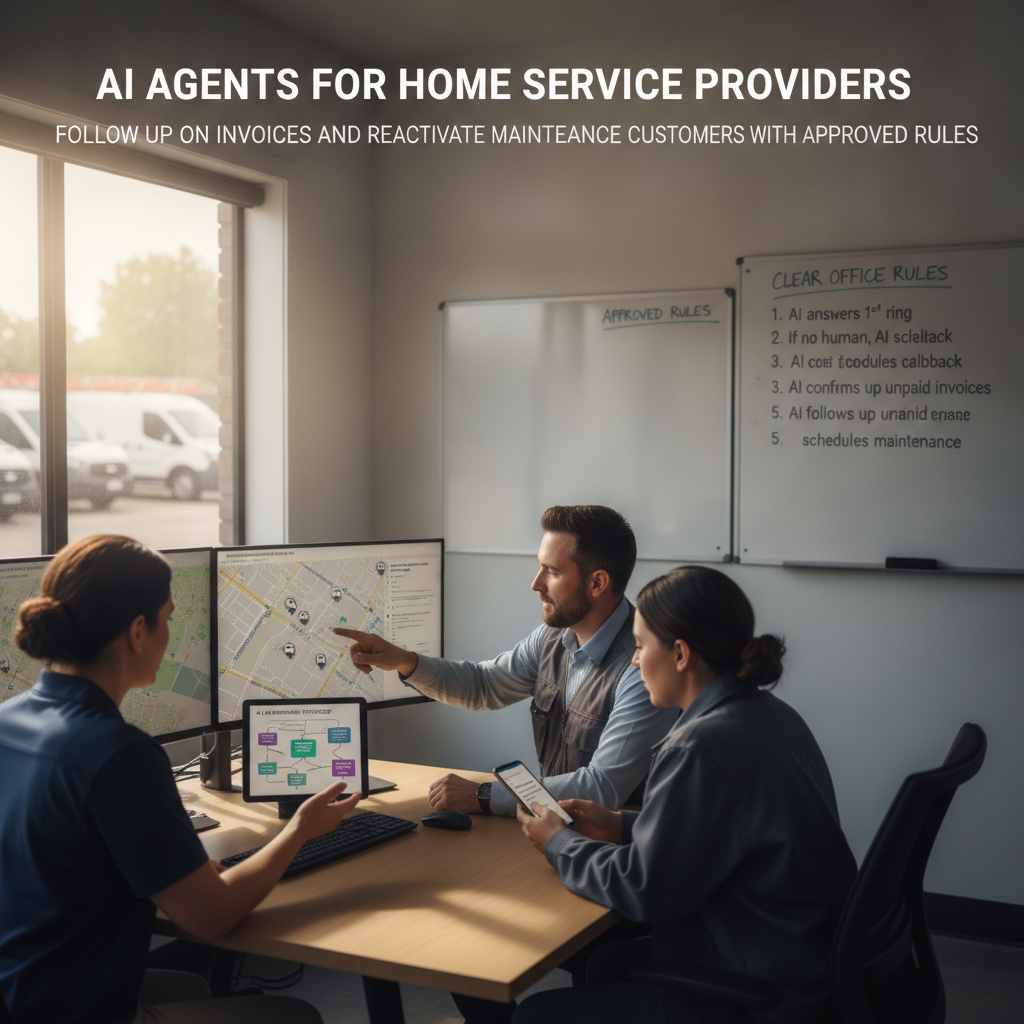
The Bottleneck in Your Business
Your office manager spends Tuesday morning working through a spreadsheet of unpaid invoices. Three customers are past due. Five maintenance-plan customers haven't had a visit in over a year. The phone is ringing, a technician just called in with a schedule conflict, and the owner is waiting for a cash-flow number before the bank call at noon.
This is the back-office grind that slows a plumbing, HVAC, or electrical business down. Invoices sit unaddressed while your crew is in the field. Maintenance customers drift into silence. The person who should be tracking receivables and reactivating dormant accounts is also answering phones, updating schedules, and chasing parts.
PLMBR's Provider Enterprise offering addresses this by giving your business an AI agent that identifies what is due, follows your approved collection rules, escalates exceptions, finds maintenance customers who are due, starts approved outreach, books responses, and tracks the result PLMBR Provider Enterprise. The agent operates through the channels your customers already use—call, text, and email—so the follow-up does not require a human to open a separate tool for each step.
How PLMBR AI Agents Help with This Workflow
The documented workflow for collections and maintenance reactivation works in distinct layers:
- Invoice identification and follow-up. The agent identifies what is due across your customers and jobs, then follows the approved collection rules you define. Exceptions that fall outside those rules are escalated rather than handled automatically PLMBR Provider Enterprise.
- Maintenance customer reactivation. The agent finds customers whose maintenance plan or warranty is due, starts the approved outreach, books responses into the schedule, and tracks the result. Memberships, warranties, maintenance reminders, review requests, and client retention are part of the documented front-office workflow.
- Financial governance. Governed discounts, refunds, and money-movement boundaries route financial actions through the required approval. QuickBooks-connected bookkeeping ties customers, estimates, invoices, payments, expenses, jobs, and offices into one record.
- Office rules and permissions. The agent operates inside permissions set by person, office, channel, intent, and connected system, with approval thresholds and audit history. It does not improvise beyond the boundaries you configure.
The agent communicates through inbound and outbound calling, texting, and email on your existing business number, retained through forwarding, porting, BYOC/SIP, or another configured connection. Simultaneous conversations stay separated by customer and job while office-specific numbers, roles, teams, schedules, and rules determine what the agent does next.
Technician dispatch is a separate step. Appointment booking and technician dispatch are distinct actions. The dispatch agent matches jobs by trade, skill, technician availability, urgency, proximity, and office, assigns a technician, and sends the customer an ETA update. Schedule coordination and assignment changes retain their reason, owner, and history. When a reactivated customer books a visit, the dispatch step assigns the right technician separately from the booking confirmation. Office rules, approval thresholds, and the human-takeover path apply to dispatch the same way they apply to collections: the agent acts inside your configured boundaries, and an authorized operator can step in at any point.
The Business Inputs and Existing Tools to Discuss During Onboarding
Before the agent can run your collections and reactivation workflows, you will walk through the operating context with our onboarding team:
- Collection rules and approval limits. What cadence and channel your business uses for invoice follow-up, what discount or refund threshold requires a named approver, and where the line is between a standard reminder and an escalation.
- Maintenance and membership data. Which customers are on a maintenance plan, what the service interval is, and what "due" means for your operation.
- Price books and service rules. Standard service-call pricing, membership rates, and any tiered pricing the agent should reference.
- Existing systems. Your current CRM, field-service management software, accounting platform, payroll tool, and any custom databases. The customer keeps existing systems, accounts, and workflows while PLMBR operates across them. Connection scope is confirmed during onboarding around your authorized accounts and security requirements.
- Roles and permissions. Named owners, dispatchers, estimators, technicians, office administrators, finance, and leadership roles, each with defined authority over what the agent can see, prepare, and do.
- Brand voice. How your business speaks to a customer in a collection text versus a maintenance reminder.
Connection delivery happens during onboarding. You do not need to replace your field-service software or accounting platform.
Workflow at a Glance
| Task | Documented Agent Capability | Office Decision or Demo Question |
|---|---|---|
| Invoice follow-up | Identifies what is due; follows approved collection rules; escalates exceptions | What cadence and channel do your collection rules specify? At what amount or age does an invoice escalate to a named approver? |
| Maintenance reactivation | Finds due customers; starts approved outreach; books responses; tracks the result | How do you define "due" for a maintenance plan? What does the approved outreach include, and who approves a discount to rebook? |
| Discount or refund approval | Governed boundaries route financial actions through the required approval | What is the maximum discount the agent can offer without owner sign-off? How is the approval recorded in the audit log? |
| Technician dispatch (separate step) | Matches by trade, skill, availability, urgency, proximity, and office; assigns technician; sends ETA update | How does the agent handle a conflict when the nearest qualified technician is already booked? Who approves a reassignment? |
| Schedule coordination | Assignment changes preserve reason, owner, and history | Is the customer notified by the agent or by a named dispatcher when a reactivated visit is rescheduled? |
| Office rule enforcement | Permissions by person, office, channel, intent, and connected system; approval thresholds; audit history | What actions are read-only versus draft-only? Where does bounded autonomy end and human approval begin? |
Scroll to see all columns →
Owner Review, Exceptions, and Human Takeover
Automation in a service office is only as safe as the guardrails around it. PLMBR's operating controls are explicit:
- Approval thresholds. Quotes, purchases, changes, payments, outreach, and connected-system actions follow the company's thresholds and named approvers. A standard maintenance reminder might go out automatically; a discount on a past-due invoice might route to the owner.
- Audit history. Every consequential step records the request, context, action, approval, connected system, and responsible person or agent. You can trace why a collection text was sent, what discount was offered, and who approved it.
- Emergency pause and human takeover. An authorized operator can take over any channel immediately. Escalation paths and emergency pause controls keep the operation in charge. How the agent handles a situation it was not configured to resolve—whether it pauses, flags, or hands off to a named person—is a question to walk through in your demo.
- Read-only and draft-only modes. Bounded autonomy and least-privilege access define what the agent can see, prepare, and do. A new office admin might have draft-only access to pricing while the finance lead has full approval authority.
The design principle: the agent acts inside your rules, not a generic playbook. You teach it how your company operates, and it stays within those lines.
An Illustrative Job: What to Test in a Demo
This is a demo evaluation exercise, not a product execution. Use it to structure your conversation with the PLMBR team.
Customer inputs (invented for illustration): A plumbing business with two offices has 14 unpaid invoices. Three are over 60 days past due. Seven customers are on a semi-annual maintenance plan and are due for a visit. The office manager's hypothetical rules—configured by the business, not PLMBR defaults—are: invoices under $500 get a text reminder at 30 and 60 days; invoices over $500 require dispatcher confirmation before outreach; maintenance reactivation offers a standard service-visit booking with no discount; any discount above 10% requires owner approval.
Questions to test in the demo:
- Can the agent identify the 14 unpaid invoices, separate them by office, and apply the 30-day and 60-day text cadence without a human drafting each message?
- When the agent reaches the three invoices over $500, does it pause and route to the dispatcher for confirmation before sending outreach?
- For the seven maintenance customers, does the agent start the approved outreach, book responses into the schedule, and track which customers responded?
- If a customer asks for a 15% discount on a past-due invoice, does the agent flag it for owner approval rather than offering the discount directly?
- When a reactivated customer books a visit, does the dispatch step assign a technician by trade, skill, availability, urgency, proximity, and office, and send the customer an ETA?
- What does the audit log show for each action—request, context, approval, and responsible person?
You are not asking PLMBR to prove it will run your business tomorrow. You are asking it to show you the workflow, the controls, and the points where your judgment stays in the loop.
How to Evaluate This Workflow
Does the agent follow my specific collection rules, or does it use a generic cadence?
The documented capability states the agent follows the approved collection rules and escalates the exceptions. In your demo, ask the team to walk through a scenario where your rules specify a text at 30 days, a call at 45 days, and an owner escalation at 60 days. Confirm how the agent applies that sequence and what triggers the escalation.
Can I keep my current accounting and field-service software?
The source states that the customer keeps existing systems, accounts, and workflows while PLMBR operates across them, and that QuickBooks-connected bookkeeping ties customers, estimates, invoices, payments, expenses, jobs, and offices into one record. Connection scope is confirmed during onboarding. In the demo, ask which specific connections apply to your current stack and what the onboarding sequence looks like for each.
How do I control what the agent can offer without my approval?
Permissions are set by person, office, channel, intent, and connected system, with approval thresholds and audit history. Governed discounts, refunds, and money-movement boundaries route financial actions through the required approval. In the demo, ask the team to show you the permission matrix for a two-office operation and demonstrate what happens when the agent hits an approval threshold it cannot clear.
What does "human takeover" look like mid-collection-conversation?
The documented capability includes escalation paths, emergency pause controls, and immediate human takeover. In the demo, ask the team to simulate a situation where a customer disputes an invoice and the agent is mid-conversation. Confirm how the context transfers, whether the customer is notified, and how the audit log records the handoff.
Next Step: Book Your Demo
If unpaid invoices, dormant maintenance customers, and manual follow-up are the friction slowing your cash flow, start by evaluating PLMBR when this is your priority. The Provider Enterprise offering is configured around your operation—your rules, your systems, your approval chain—not a generic template.
Book a Provider Enterprise demo to walk through the collections and reactivation workflow with your actual office rules, see the permission and approval controls in action, and confirm which of your existing systems connect during onboarding.
Explore the full PLMBR for your business offering, watch the product walkthrough, or browse our blog for more home service workflow breakdowns.