
AI Agents for Home Service Providers: From Missed Call to Dispatched Technician Under Your Office Rules
It is 4:15 on a Tuesday. Your dispatcher is on a call with a customer whose water heater just died. A second phone rings—a plumbing emergency in the north…
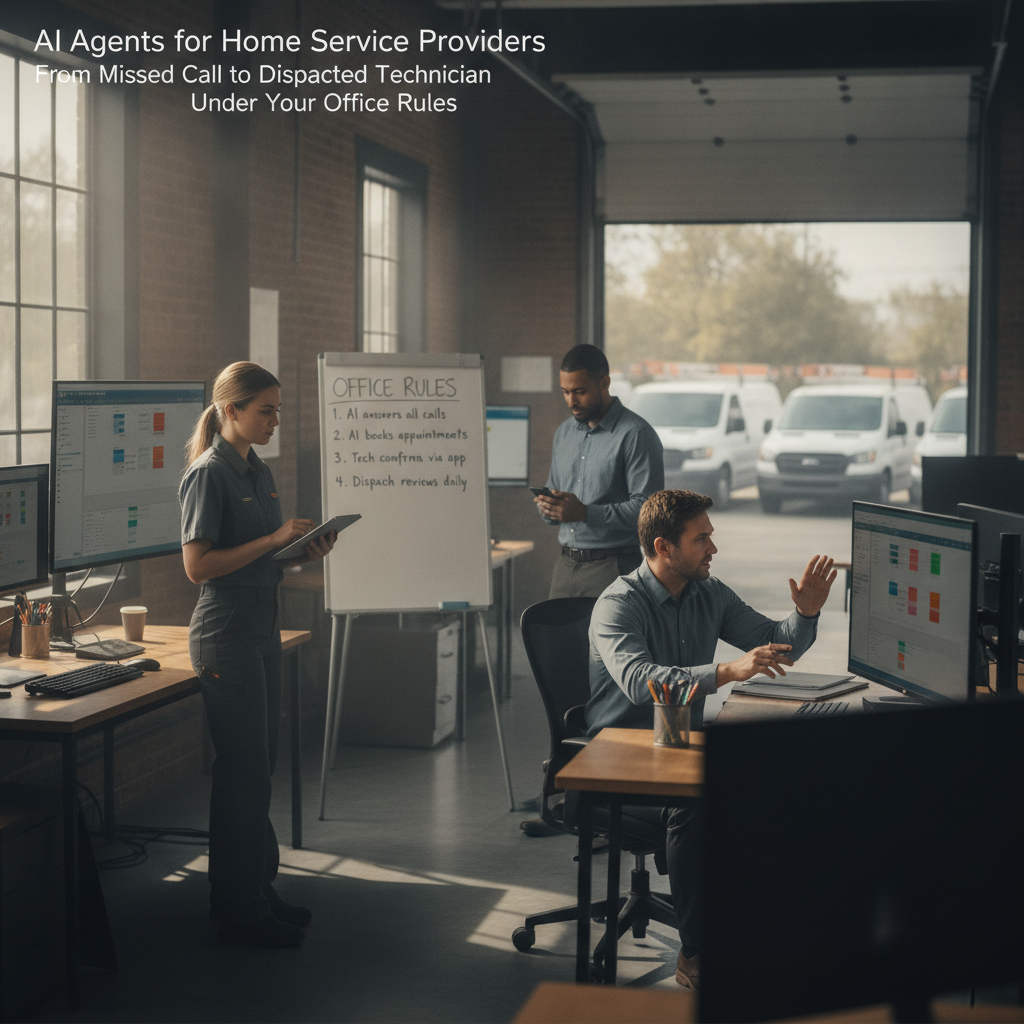
The bottleneck in your business.
It is 4:15 on a Tuesday. Your dispatcher is on a call with a customer whose water heater just died. A second phone rings—a plumbing emergency in the north office. Nobody picks up. The customer hangs up, texts your number, and by the time someone calls back an hour later, the job is gone.
The pattern repeats: a missed call, a delayed text, a booking that sits in voicemail until the office manager finds it. The technician who could have been dispatched at 4:20 instead gets the assignment at 5:45. The ETA text goes out late, and the customer wonders whether your office is as organized as the one that just took the job. Your crew is good at the work; the gap is in the handoff between the phone, the calendar, and the van.
PLMBR Provider Enterprise addresses this by handling the conversation—by call, text, or email—on your existing business number, qualifying the inquiry, booking the appointment, and dispatching the right technician, all within the office rules, permissions, and approval boundaries you define PLMBR for your business.
How PLMBR AI agents help with this workflow.
The documented workflow moves through distinct stages, each governed by your office rules:
- Inbound contact. The agent receives the call, text, or email on your current business number, maintained through forwarding, porting, BYOC/SIP, or another configured connection PLMBR for your business.
- Qualification and booking. The agent qualifies the inquiry and moves the customer from first contact to a scheduled visit. The source documents qualification and appointment booking as a distinct operational stage from dispatch PLMBR for your business.
- Technician dispatch. The dispatch agent matches the job by trade, skill, technician availability, urgency, proximity, and office. It then assigns the technician and sends the customer an ETA update. This is a distinct operational stage from qualification and booking PLMBR for your business.
- Schedule coordination. If the assignment changes—technician swap, rescheduling, a second van needed—the record retains the reason, the owner of the change, and the full history PLMBR for your business.
- Office rules and approvals. Every action the agent takes is bounded by permissions set per person, office, channel, intent, and connected system. Approval thresholds determine which actions the agent completes on its own and which route to a named approver.
- Human takeover. At any point, an authorized operator can take over the conversation or the job. Escalation paths and an emergency pause control keep your office in charge.
The dispatch step deserves explicit attention. When you ask the agent to dispatch the nearest qualified technician and text the customer an ETA, PLMBR checks trade, skill, availability, urgency, proximity, and office, assigns the right technician, and sends the update PLMBR for your business. The assignment is not a single-criterion "nearest van" rule; it is filtered through the multi-factor criteria and office-specific territories you configure as part of your company knowledge.
The business inputs and existing tools to discuss during onboarding.
Connection delivery happens during onboarding around your authorized accounts, system capabilities, security requirements, and operating method. You keep your existing systems, accounts, and workflows while PLMBR operates across them PLMBR for your business.
Bring the following to your onboarding conversation:
- Your business number and channel setup. Whether you use forwarding, porting, BYOC/SIP, or hosted messaging, the connection method is confirmed during onboarding.
- Existing field-service, CRM, accounting, and payroll systems. PLMBR connects through supported integration methods, including webhooks, APIs, and flat-file exchange.
- Company SOPs, price books, service rules, territories, and approval limits. These become the operating knowledge the agent follows.
- Office roles and permissions. Named owners, dispatchers, estimators, technicians, office administrators, finance, and leadership roles define who sees what and who approves what.
- GPS or telematics connections for fleet tracking, if your operation uses them.
The scope of each connection is confirmed during onboarding. You do not need to replace your current stack.
Workflow at a glance
| Task | Documented agent capability | Office decision or demo question |
|---|---|---|
| Missed call or after-hours text arrives | Agent receives inbound call, text, or email on your configured business number and opens the conversation PLMBR for your business | Which channels and hours does the agent cover? What is the escalation path if the customer requests a human? |
| Qualification and appointment booking | Agent qualifies the inquiry and moves the customer from first contact to a scheduled visit PLMBR for your business | What qualification fields does your office require before a booking is confirmed? |
| Technician dispatch and ETA | Agent matches by trade, skill, availability, urgency, proximity, and office; assigns the technician; sends the customer an ETA update PLMBR for your business | How do your office rules handle a job that spans two territories or requires a specific certification? |
| Schedule change or reassignment | Schedule coordination and assignment changes preserve the reason, owner, and history PLMBR for your business | Who approves a mid-day reassignment, and what does the customer see? |
| Financial or scope exception | Governed boundaries route financial actions through the required approval; audit history records the request, context, action, approval, and responsible person PLMBR for your business | What dollar threshold triggers a manager approval before the agent sends a revised estimate? |
Scroll to see all columns →
Owner review, exceptions, and human takeover.
The agent operates inside explicit company knowledge, approval boundaries, and role-based access—not a generic playbook PLMBR for your business. Read-only and draft-only modes, bounded autonomy, and least-privilege access define what the agent can see, prepare, and do.
In practice, this means:
- Permissions are granular. Access is set by person, office, channel, intent, and connected system. A dispatcher in the south office does not see the north office's approval queue unless you configure it that way.
- Approvals stay attached to the action. Quotes, purchases, changes, payments, outreach, and connected-system actions follow your company's thresholds and named approvers.
- Every consequential step has history. The audit trail records the request, context, action, approval, connected system, and the responsible person or agent.
- A person can take over now. Escalation paths, emergency pause controls, and immediate human takeover keep your operation in charge of every channel.
If a customer asks for a discount above your set threshold, the agent does not approve it. It routes the request to the named approver and holds the conversation until the decision is recorded. Your crew stays focused on the work while the office rules handle the governance.
Illustrative job: customer inputs and questions to test in a demo.
This is a demo evaluation exercise, not a description of a specific customer's experience. Use it to structure your walkthrough.
Customer inputs to prepare:
- A missed call at 4:10 PM from a customer reporting a slow drain in a two-story home, north office territory.
- A follow-up text: "Can someone come before 7? I've got a dinner party."
- A second inquiry the same evening: an HVAC filter replacement, south office, non-urgent, flexible scheduling.
Questions to test in the demo:
- When the agent receives the missed call, does it open a conversation on the correct office number and apply the north office's qualification rules?
- How do the qualification/booking stage and the dispatch stage interact in your operation? Can you show both stages and the handoff between them?
- When the dispatch agent matches the drain job, does it show the trade, skill, availability, urgency, proximity, and office criteria it used?
- If the assigned technician's schedule shifts, does the record show who made the change, why, and what the customer was told?
- If the customer asks for a 10% discount on the estimate, does the agent route it to the configured approver rather than approving it independently?
- Can an office manager take over the conversation mid-thread, and does the audit trail show the handoff?
How to evaluate this workflow.
Does PLMBR handle the full chain from missed call to dispatched technician, or do I need separate tools for booking and dispatch?
The documented workflow covers both: qualification and appointment booking move the customer from first contact to a scheduled visit, and the dispatch agent matches and assigns the technician PLMBR for your business. In your demo, ask to see both stages and confirm where the handoff occurs in your operation.
Can I keep my current field-service software and phone number?
Yes. The customer keeps existing systems, accounts, and workflows while PLMBR operates across them. Your business number is maintained through forwarding, porting, BYOC/SIP, or another configured connection, and the connection scope is confirmed during onboarding PLMBR for your business. Verify in the demo which of your current systems are connected and what data flows in each direction.
How do I know the agent will not approve a discount or change a schedule without my sign-off?
Permissions are set by person, office, channel, intent, and connected system, with approval thresholds and audit history. Read-only and draft-only modes and bounded autonomy define what the agent can do without a human PLMBR for your business. In the demo, ask to see the approval threshold configuration and walk through a scenario that exceeds it.
What happens if the agent encounters a situation outside its configured rules?
Escalation paths and immediate human takeover are documented controls. An authorized operator can take over any channel at any time PLMBR for your business. Ask in the demo how the escalation is triggered and what the customer experiences during the handoff.
Next step and demo invitation.
Start by evaluating PLMBR when missed calls, after-hours inquiries, and the gap between booking and dispatch are costing you jobs. Provider Enterprise is built around your operation: your number, your offices, your rules, your existing systems.
Explore the product walkthrough to see the channel and operating-layer details, browse our blog for additional home service workflow articles, and review the full PLMBR for your business page.
When you are ready to see the missed-call-to-dispatch workflow in your own office context, book a Provider Enterprise demo. Bring your office rules, your current system list, and the illustrative job above. We will walk through the chain together and confirm the connection scope for your operation.