
AI Agents for Home Service Providers: Keep Estimate Follow-Up and Customer Updates Moving
You send the water-heater replacement estimate on Tuesday. By Friday, the customer hasn't signed. Your office manager calls, leaves a voicemail, sends a text,…
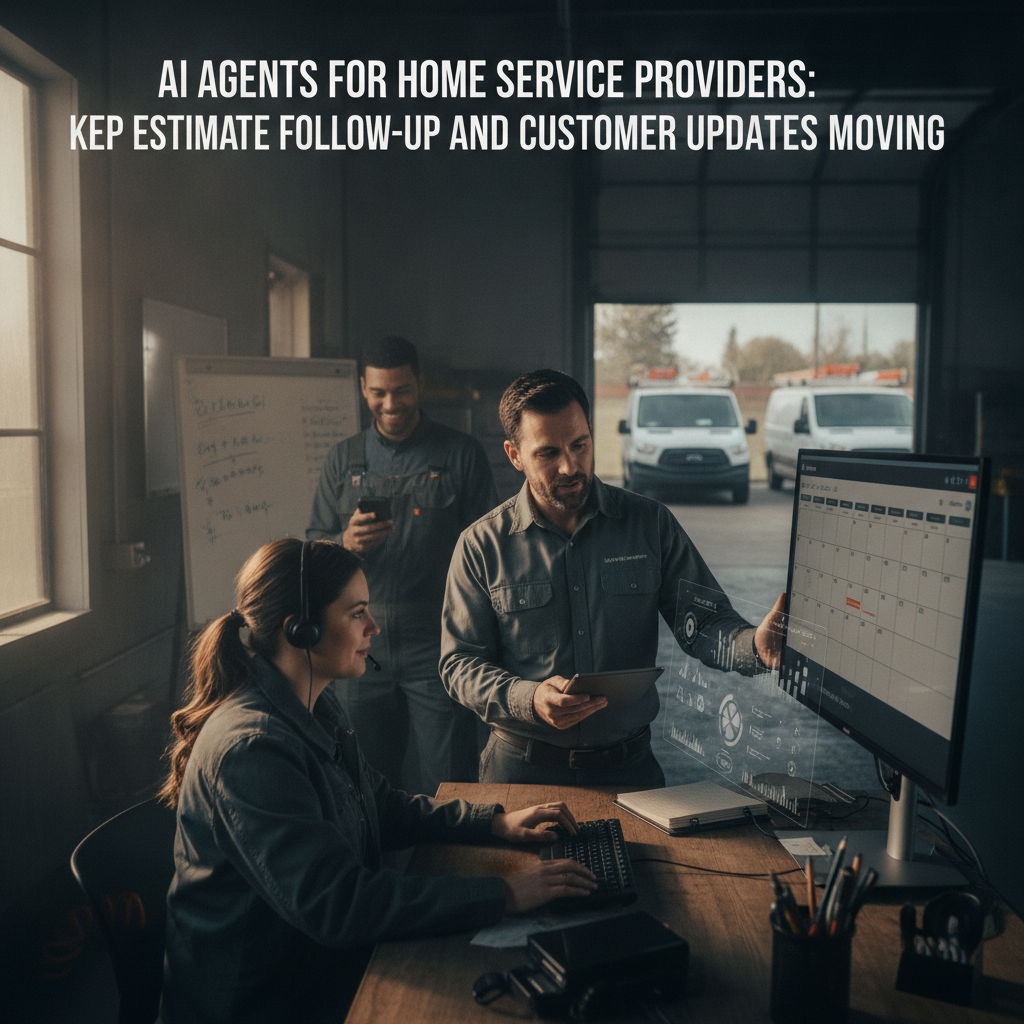
The bottleneck in your business.
You send the water-heater replacement estimate on Tuesday. By Friday, the customer hasn't signed. Your office manager calls, leaves a voicemail, sends a text, and jots a note in a spreadsheet. The next morning the customer calls back asking whether the price includes old-unit removal. The office manager is mid-dispatch on a burst pipe and misses the call. The estimate sits. The slot you held for Thursday gets released. The customer books a competitor who called back within the hour.
This pattern repeats across your plumbing, HVAC, or electrical operation: estimates stall in inboxes, appointment changes scatter across texts and phone calls, and customer updates depend on whoever is free at the desk. Your technicians are in the van; your office is fielding the next emergency. The follow-up loop—estimate sent, customer silent, appointment shifted, status unclear—eats margin without showing up on any single ticket.
How PLMBR AI agents help with this workflow.
PLMBR's Provider Enterprise offering runs your business by call, text, and email across customer conversations, scheduling and dispatch, estimates, booking packets, follow-up, finance, and connected systems, with office rules, permissions, approvals, and human takeover built in PLMBR Provider Enterprise. For the estimate-follow-up and customer-update workflow, the documented steps look like this:
-
Intake and estimate creation. A customer inquiry arrives by phone, text, or email. Qualification and appointment booking keep the front office moving from first contact to a scheduled visit, and the workflow is configured around your price book, service rules, and brand voice PLMBR Provider Enterprise.
-
Follow-up on outstanding estimates. Estimates, booking packets, signatures, change orders, invoices, collections, and payment follow-up are part of the documented front-office workflow, and the agent operates across call, text, and email to keep conversations moving PLMBR Provider Enterprise. In the demo, ask the team to show how estimate follow-up works in your context: what triggers a follow-up, what the cadence and channel look like, and how a customer's scope or timeline question is answered from the job record.
-
Booking and appointment coordination. Once the customer confirms, the visit is scheduled. Appointment booking and technician dispatch remain distinct steps: booking locks the time slot and customer commitment; dispatch assigns the specific technician based on trade, skill, availability, urgency, proximity, and office PLMBR Provider Enterprise.
-
Customer updates and appointment changes. When a slot shifts or a technician's schedule changes, the customer receives an update through the channel they use. Schedule coordination and assignment changes preserve the reason, owner, and history, so your office can trace why a Thursday job moved to Friday PLMBR Provider Enterprise.
-
Post-visit follow-up. After the job closes, the workflow covers maintenance reminders, review requests, and customer reactivation for customers who are due, keeping the relationship active from the same operating record PLMBR Provider Enterprise.
The platform handles inbound and outbound calling, texting, and email, so your team can run the application from a thread without opening a separate app PLMBR Provider Enterprise.
The business inputs and existing tools to discuss during onboarding.
Before a demo, gather the materials that shape how the agent behaves in your operation:
- SOPs and service rules. Your qualification criteria, estimate templates, follow-up cadence, and escalation triggers.
- Price book and approval limits. What a dispatcher can approve, what routes to the owner, and where governed discounts or refunds require sign-off.
- Brand voice and channel preferences. How you talk to customers by text versus email, and which channels your office actually uses.
- Existing systems. Your current CRM, field-service management tool, QuickBooks or other accounting, payroll, GPS or telematics, and any supplier accounts. Provider Enterprise connection delivery happens during onboarding around your authorized accounts, system capabilities, and security requirements; existing systems can remain in place, and connection scope is confirmed at that stage PLMBR Provider Enterprise.
- Office roles and permissions. Who is a dispatcher, estimator, office admin, or owner, and what each role can see, approve, or override.
Bring these to the demo conversation so the team can map your actual workflow rather than a generic template.
Workflow at a glance
| Task | Documented agent capability | Office decision or demo question |
|---|---|---|
| Estimate follow-up | Estimates, booking packets, and payment follow-up are part of the front-office workflow; the agent operates across call, text, and email PLMBR Provider Enterprise | What triggers a follow-up on an unsigned estimate? What cadence and channel do you want? Who approves a discount to close the estimate? |
| Appointment booking | Qualification and appointment booking keep the front office moving from first contact to a scheduled visit PLMBR Provider Enterprise | How do you handle a customer who wants a slot outside your published hours? |
| Technician dispatch | Dispatch by trade, skill, availability, urgency, proximity, and office; the customer receives an ETA update PLMBR Provider Enterprise | Which trade and skill combinations does your crew cover, and how do you handle a same-day swap? |
| Customer update on schedule change | Schedule coordination and assignment changes preserve the reason, owner, and history PLMBR Provider Enterprise | Who gets notified when a technician swap changes the customer's ETA? What does the update message include? |
| Post-visit retention | Maintenance reminders, review requests, and customer reactivation run from the same operating record PLMBR Provider Enterprise | Which customers qualify for a maintenance reminder, and what triggers reactivation outreach? |
| Financial follow-up | Invoices, collections, and payment follow-up stay connected to the job record; governed money-movement boundaries route through required approval PLMBR Provider Enterprise | What collection rules apply, and at what point does an exception escalate to the owner? |
Scroll to see all columns →
Owner review, exceptions, and human takeover.
Automation in your service office only works if the boundaries are explicit. Provider Enterprise defines permissions by person, office, channel, intent, and connected system, with approval thresholds, audit history, and an emergency pause PLMBR Provider Enterprise. In practice this means:
- Read-only and draft-only modes define what the agent can see, prepare, and do, with actions following your approval thresholds and named approvers PLMBR Provider Enterprise.
- Bounded autonomy sets what the agent handles on its own versus what routes to a person, such as approving a price adjustment or rescheduling a job that affects a crew's route.
- Immediate human takeover. An authorized operator can step in on any channel at any time. Escalation paths and emergency pause controls keep the operation in charge of every channel PLMBR Provider Enterprise.
- Audit trail. Every consequential step records the request, context, action, approval, connected system, and responsible person or agent, so a Monday-morning review of last week's estimate follow-ups is a search, not a reconstruction PLMBR Provider Enterprise.
For a service office, this matters most when a customer calls at 6 p.m. asking to move a Saturday HVAC install. The agent can check the technician's schedule, draft the change, and hold it for the dispatcher's approval before the customer hears a new time.
An illustrative job: customer inputs and questions to test in a demo.
This is a demo evaluation exercise, not a record of a completed job.
Scenario. A customer in your service area texts: "I got the water-heater estimate you sent. Can you confirm whether the old-unit removal is included, and can we move the install from Thursday to Friday morning?"
Customer inputs to bring to the demo:
- The original estimate (scope, line items, price).
- The customer's text asking the two questions above.
- Your office rule: estimate clarifications are answered by the agent; rescheduling a confirmed slot requires dispatcher approval.
- The technician's Thursday and Friday schedules.
Questions to test in the demo:
- Does the agent pull the estimate record and answer the scope question from the job context, or does it flag the question for a human?
- When the customer asks to move the slot, does the agent check the technician's availability and draft the change for approval, or does it attempt to rebook directly?
- After the dispatcher approves, does the customer receive a text confirming the new Friday-morning window, and does the schedule record show who changed it and why?
- If the customer does not respond to a follow-up within your set window, what is the next step in the approved outreach sequence?
These questions let you verify the workflow against your own rules rather than accepting a generic walkthrough.
How to evaluate this workflow.
Does the agent follow my specific follow-up cadence, or a default sequence?
Provider Enterprise is configured around your company SOPs, service rules, and approval limits during onboarding PLMBR Provider Enterprise. In the demo, ask the team to show how your follow-up intervals, channel preferences, and escalation triggers are set and where a change requires owner sign-off.
Can I keep my current FSM and accounting while the agent handles estimate follow-up?
The documented model keeps existing systems, accounts, and workflows in place while PLMBR operates across them, with connection scope confirmed during onboarding PLMBR Provider Enterprise. Verify in the demo which of your current tools connect, what data flows in each direction, and what the onboarding team confirms before go-live.
What happens when a customer request falls outside the agent's approved scope?
The platform routes sensitive actions to the right approver and supports immediate human takeover PLMBR Provider Enterprise. In the demo, ask the team to walk through a scenario where a customer requests a price change that exceeds the dispatcher's approval threshold, and show where the handoff to a person occurs.
How do I confirm the audit trail covers my office's review needs?
Every consequential step records the request, context, action, approval, connected system, and responsible person or agent PLMBR Provider Enterprise. In the demo, ask to see a sample audit entry for an estimate follow-up and a schedule change, and confirm the fields your office would need for a weekly review.
Next step and demo invitation.
Start by evaluating PLMBR when estimate follow-up and customer updates are the workflow that keeps slipping in your service office. Bring your price book, your follow-up rules, and one or two real (anonymized) estimate threads so the team can map the agent's behavior to your actual operation. You can explore the full PLMBR for your business offering, watch a product walkthrough, or browse our blog for more home-service workflow breakdowns.
When you are ready to see the estimate-follow-up and customer-update workflow in your own context, book a Provider Enterprise demo. Bring the questions from the illustrative job above, and leave with a clear picture of what the agent handles, what routes to your team, and what your office rules look like in the system.