
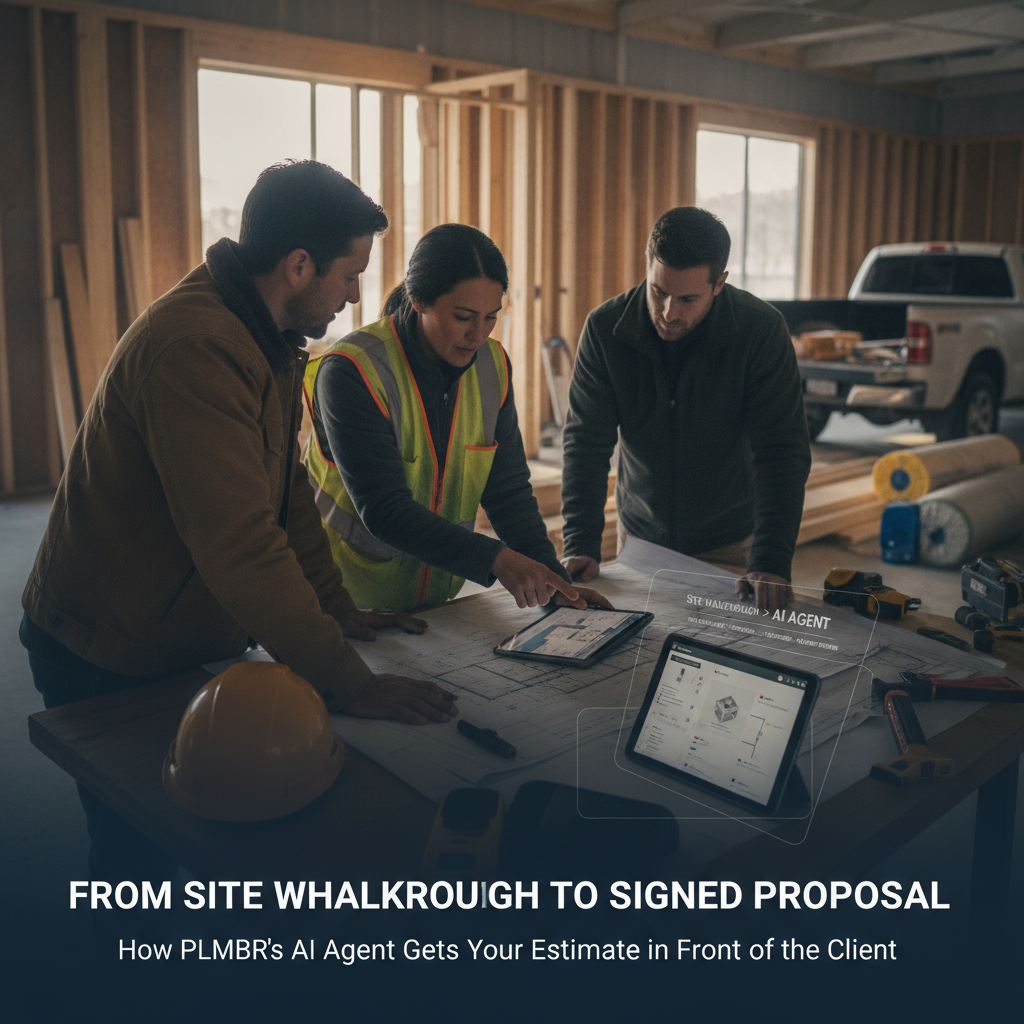
From Site Walkthrough to Signed Proposal: How PLMBR's AI Agent Gets Your Estimate in Front of the Client
You just walked a kitchen remodel with a homeowner. You noted the cabinet run, the electrical rough-in, the tile upgrade they want, the structural beam that…
The Bottleneck in Your Business
You just walked a kitchen remodel with a homeowner. You noted the cabinet run, the electrical rough-in, the tile upgrade they want, the structural beam that needs a permit. You shook hands, said "I'll have a number to you by Friday," and drove to the next job site.
Now it's Thursday. You're on a framing job, your crew is waiting on a material delivery, and the proposal is still in your head. The client called Tuesday asking for an update. You texted back "working on it." The estimate is sitting in a half-finished spreadsheet, or worse, in a napkin sketch you'll have to rebuild from memory.
This is the gap between walking the site and sending a proposal. For a GC or remodeler running multiple jobs, that gap is where deals go cold. The client gets another quote, or they just stop responding. Your business loses pipeline not because you can't build, but because the paperwork between the walkthrough and the signature eats the momentum.
How PLMBR AI agents help with this workflow
PLMBR's contractor workspace brings together your sales pipeline, proposals, job finances, and Felicity — the AI office manager built for contracting firms PLMBR for Contractors. Here is how the walkthrough-to-proposal workflow works in the product:
- You log the lead. After the site visit, you enter scope notes and the client's priorities into the pipeline as a lead or an open proposal draft.
- Felicity drafts the proposal using your cost codes. She builds the exact proposal you would: your cost codes, your markup, your line items — learned from your own past jobs PLMBR for Contractors. The output mirrors the format and numbers you would produce by hand.
- She can order materials from your supplier accounts. While building the estimate, Felicity can order materials from your own supplier accounts, on her own or with one-button approval PLMBR for Contractors.
- The draft lands in your approval queue. Nothing reaches the client until you tap approve. You can edit line items, adjust markup, or reject the draft before it sends PLMBR for Contractors.
- Follow-up happens in your voice. Connected to your Gmail, Felicity drafts and sends follow-ups the way you write them, keeping the client posted on where their job stands PLMBR for Contractors.
- Job finances sync to QuickBooks. Once the proposal converts, every job, expense, and invoice flows into the QuickBooks you already run PLMBR for Contractors.
The public product walkthrough at PLMBR for Contractors shows proposal drafts using a firm's cost codes and a client follow-up awaiting review, so you can see the workflow before booking a call.
The Business Inputs and Existing Tools to Discuss During Onboarding
Before Felicity can draft a proposal that looks like yours, you will want to walk through these inputs with our team:
- Cost codes and markup structure. Your line-item coding system, standard markup percentages, and any trade-specific pricing rules.
- Past jobs for pattern learning. Felicity learns your proposal format from your own past jobs PLMBR for Contractors. The more representative your history, the closer the first drafts come to your hand-built estimates.
- Gmail connection. Client conversations and follow-ups run through your existing Gmail PLMBR for Contractors.
- QuickBooks. PLMBR syncs jobs, expenses, and invoices into the QuickBooks account you already use PLMBR for Contractors.
- Supplier accounts. If you want Felicity to order materials during the estimate, you will connect your supplier accounts PLMBR for Contractors.
- Google Calendar. For scheduling milestones and job events that tie into the project timeline PLMBR for Contractors.
Bring a recent walkthrough note or a completed proposal from a job you would like to replicate. That gives our team a concrete reference for the demo.
Workflow at a Glance
| Task | Documented Agent Capability | Office Decision or Demo Question |
|---|---|---|
| Log the lead or open proposal after the site visit | Sales pipeline tracks leads through to deal PLMBR for Contractors | How do you want scope notes structured before Felicity drafts? |
| Build the proposal with your cost codes and markup | Drafts the exact proposal using your cost codes, markup, and line items learned from past jobs PLMBR for Contractors | Can we walk through a real site visit and watch the draft assemble? |
| Order materials from your supplier accounts | Orders materials from your own supplier accounts, on her own or with one-button approval PLMBR for Contractors | Which supplier accounts should be connected, and what is your approval threshold? |
| Send the proposal to the client | Drafts and queues; nothing reaches the client until you tap approve PLMBR for Contractors | Do you want a single approval or a two-step review for jobs over a certain value? |
| Follow up after the client receives the proposal | Drafts and sends follow-ups in your voice via Gmail PLMBR for Contractors | What is your follow-up cadence, and do you want edits before each send? |
| Convert to job and sync finances | Syncs every job, expense, and invoice into QuickBooks PLMBR for Contractors | Confirm your QuickBooks entity and chart-of-accounts mapping. |
Scroll to see all columns →
Owner Review, Exceptions, and Human Takeover
PLMBR is approval-gated by default. Felicity drafts and queues; nothing goes out under your name until you tap approve PLMBR for Contractors. Every follow-up and invoice waits in your queue with the full email — you can approve, edit, or reject before a word reaches a client PLMBR for Contractors.
In practice, this means:
- You set the approval boundary. Decide which actions Felicity takes on her own and which require your one-button approval, such as sending the proposal or placing a supplier order.
- You can edit before sending. If a line item looks off, you adjust it in the queue. The client never sees a draft you have not cleared.
- You can reject and redirect. If the scope changed since the walkthrough, you send a note back to Felicity in plain language — by text or email — and she takes the action for you inside PLMBR PLMBR for Contractors.
- Your crew keeps building. The approval-gated default means nothing reaches the client until you approve, so your field team is not waiting on a proposal that is still in draft PLMBR for Contractors.
The point is not to remove you from the process. It is to make sure the proposal is built, priced, and queued before you finish your coffee at the next job site, so your only job is the final look and the tap.
Illustrative Job: Kitchen Remodel Walkthrough (Demo Evaluation Exercise)
The following is a fictional scenario for evaluating the workflow in a demo. It is not a customer case study or a record of a live job.
Customer inputs (you would provide these in the demo):
- Walkthrough notes: 12×14 kitchen, replace base and wall cabinets, new quartz countertop, move the range from the center wall to the east wall, add a 42-inch island, update electrical for a new range hood and under-cabinet lighting.
- Client priorities: "We want it done before the holidays. Budget is flexible but we need to see the number before we commit."
- Your cost codes: CAB-BASE, CAB-WALL, CNT-QUARTZ, ELEC-ROUGH, ELEC-FIN, TILE-FLOOR, PLUMB-ROUGH, PLUMB-FIN, PERMIT-STRUCT.
- Markup: 22% on labor, 15% on materials.
- Supplier accounts: Your cabinet distributor, your tile supplier, your electrical wholesaler.
Questions to test in the demo:
- Can Felicity take these walkthrough notes and produce a cost-coded proposal draft in the format of a past job I show her?
- If I change the island from 42 inches to 48 inches after the draft is built, does the line item update and re-queue for my approval?
- Can I see the follow-up email Felicity would send three days after the proposal goes out, and edit it before it sends?
- Once I approve the proposal and the client signs, does the job appear in the pipeline with the correct cost codes and does the first invoice sync to my QuickBooks?
You do not need to have answers to these before the demo. The point is to watch the workflow execute against your own numbers and format.
How to Evaluate This Workflow
Does PLMBR's proposal draft actually use my cost codes, or is it a generic template?
The product page states that Felicity builds the exact proposal you would, using your cost codes, markup, and line items learned from your own past jobs PLMBR for Contractors. In the demo, bring a completed proposal from a recent job and ask our team to show how the draft mirrors your format and coding.
What happens if I need to change the scope after the walkthrough but before the client signs?
You can talk to Felicity in plain language by text or email, and she takes the action for you inside PLMBR PLMBR for Contractors. In the demo, ask to see a scope change — for example, adding a structural beam — flow through to an updated proposal draft that re-enters your approval queue.
How does the QuickBooks sync work for a job that starts from a proposal?
PLMBR syncs every job, expense, and invoice into QuickBooks automatically PLMBR for Contractors. In the demo, confirm the mapping between your cost codes and your QuickBooks chart of accounts, and ask to see a job move from approved proposal to first invoice in the sync.
Can I keep using Gmail and Google Calendar, or do I need to migrate to a new inbox?
Felicity connects to your existing Gmail for client conversations and follow-ups PLMBR for Contractors. Your leads still come from Gmail PLMBR for Contractors. In the demo, verify that follow-up drafts appear in your Gmail thread and that calendar events for milestones land in your existing Google Calendar.
Next Step: See It on Your Own Numbers
Start by evaluating PLMBR when turning a site walkthrough into a cost-coded, approval-ready proposal is your priority. The public walkthrough at PLMBR for Contractors shows proposal drafts using a firm's cost codes and a client follow-up awaiting review, so you can get a feel for the workflow before a live session.
For a deeper look, book a 15-minute demo. Bring a recent walkthrough note or a completed proposal. We will show Felicity running the workflow on your cost codes, your markup, and your supplier accounts, and you will see exactly where your approval tap fits in the chain.
You can also explore PLMBR for your business or browse our blog for more GC workflow breakdowns.