
The Approval Queue on the Job Site: Keeping Client Conversations Moving While You Build
You're on the second floor of a kitchen remodel, checking tile alignment with the sub who just finished the backer board. Your phone buzzes: a client who…
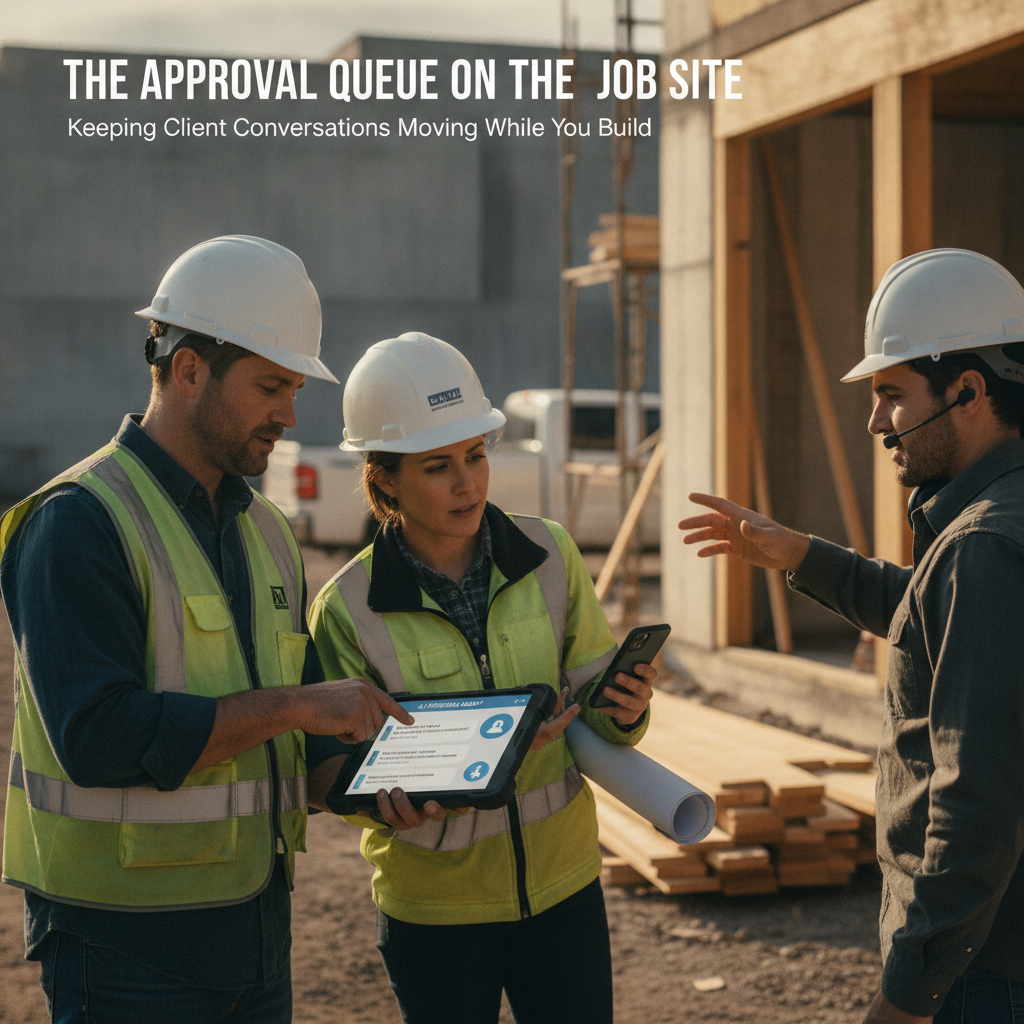
You're on the second floor of a kitchen remodel, checking tile alignment with the sub who just finished the backer board. Your phone buzzes: a client who received a proposal three days ago is asking whether the cabinet hardware line item includes the soft-close hinges. You can't stop the pour, can't pull out a laptop, and can't draft a reply that matches your markup structure and cost codes from a half-remembered spreadsheet. By the time you're back at the office tomorrow, the client has already called a competitor.
That gap between being physically on the job site and keeping your sales pipeline warm is where margin leaks out of a contracting firm. PLMBR's AI office manager, Felicity, is built for exactly this gap: she drafts follow-ups in your voice using your cost codes, queues them for your approval, and keeps the conversation moving while your boots are in the mud. PLMBR for your business is the workspace where the sales pipeline, proposals, job finances, and client conversations live together, so you don't stitch five tools to cover one job.
The bottleneck in your business
Most GC and remodeling firms run two parallel operations that compete for the same person's attention:
- The job site. Scope verification, sub coordination, permit check-ins, and the physical build.
- The office. Proposal drafting, client follow-up, change-order paperwork, and the QuickBooks entries that keep your books current.
When you're the one doing both, the office work doesn't stop at 5 p.m. It waits in your inbox, and the waiting costs you. A proposal that sits unanswered for four days loses momentum. A client who asks a scope question on Tuesday and hears back Friday may have already signed with the firm that answered on time.
The problem isn't that you're disorganized. It's that the follow-up work is sequential and you're not available sequentially. You need a system that keeps the conversation alive in your voice, with your numbers, without requiring you to stop the pour.
How PLMBR AI agents help with this workflow
Felicity, the AI office manager inside PLMBR, handles the follow-up loop so you can stay on the site. Here is what the documented workflow looks like:
- She drafts the follow-up in your voice. Connected to your Gmail, Felicity composes the reply the way you would write it—same tone, same phrasing habits—so the client hears you, not a template. PLMBR for contractors
- She pulls your cost codes and markup. The proposal or revision she references uses your firm's line-item structure, not a generic AI output. The numbers match what you would build by hand. PLMBR for contractors
- She queues it for your approval. Nothing reaches the client until you tap approve. You can edit the draft, reject it, or let it send as-is. The approval gate is the default, not an add-on. PLMBR for contractors
- She chases every open proposal. If a client hasn't responded, Felicity runs the follow-up cadence so no quote goes cold while you're coordinating subs. PLMBR for contractors
- She syncs the financials. When the client signs and the job starts, every expense and invoice flows into the QuickBooks you already run. No separate bookkeeping step. PLMBR for contractors
You approve from your phone in the truck, from the site trailer, or at your desk. The follow-up doesn't wait for your calendar.
The business inputs and existing tools to discuss during onboarding
Before Felicity can draft in your voice and use your numbers, we need to understand your firm's operating context. During onboarding, plan to walk through:
- Your cost-code structure. How you organize line items (labor, materials, sub, overhead, markup) and whether codes differ by trade or project type.
- Your proposal format. The template you send today—header, scope narrative, line-item table, terms, signature block.
- Your Gmail and Google Calendar. Felicity connects to these for client communication and scheduling. PLMBR for contractors
- Your QuickBooks file. The company file where jobs, expenses, and invoices already live. PLMBR syncs into it rather than replacing it. PLMBR for contractors
- Your follow-up cadence. How many touches, at what intervals, and what triggers a "hot" versus "cold" proposal in your current process.
- Your approval rules. What you want to see before you tap approve: full email text, cost-code breakdown, margin impact, or all of the above.
Bring a recent proposal you're proud of and a follow-up email you wish you'd sent faster. Those two artifacts give us the voice and structure to configure the workspace.
Workflow at a glance
| Task | Documented agent capability | Office decision or demo question |
|---|---|---|
| Client asks a scope question on a pending proposal | Felicity drafts a reply in your voice referencing your cost codes and markup PLMBR for contractors | What does the draft look like for a multi-trade remodel? Can I edit before it sends? |
| Proposal has been open for several days with no client response | Felicity chases every open proposal and runs outreach PLMBR for contractors | What is the default cadence, and can I set a custom one per project type? |
| Client approves scope; job moves to active | Felicity coordinates schedules, milestones, change orders, and budgets for the project PLMBR for contractors | How does a change order flow from client request to QuickBooks entry? |
| Job expenses and invoices need to hit the books | Every job, expense, and invoice syncs into your existing QuickBooks file PLMBR for contractors | Which QuickBooks edition do you support, and what does the sync look like for a mid-size remodel? |
| You need to approve a follow-up from the job site | Approval-gated by default: you tap approve, edit, or reject before anything sends PLMBR for contractors | Can I approve from a mobile browser in the field, and what context do I see at the approval screen? |
Scroll to see all columns →
Owner review, exceptions, and human takeover
Felicity drafts and queues. She does not send, invoice, or spend on your behalf without your explicit approval. The PLMBR contractor workspace is built so that every outbound communication and every financial entry waits in your queue with the full text visible. You approve, edit, or reject.
Exceptions to expect in a real job:
- A client asks for a price change mid-conversation. Felicity can draft the revised line items using your cost codes, but the revised proposal still lands in your approval queue before it goes out.
- A scope change affects the schedule. Felicity watches every job for budget overruns, missed permits, and slipping schedules, and flags them before they cost you PLMBR for contractors. You decide whether to resequence subs or absorb the slip.
- A client pushes back on markup. You may want to handle that conversation yourself. Step in through Gmail and take over the thread directly.
A practical question to bring to your demo: after you handle a thread yourself, does the next scheduled follow-up adjust to reflect the new state of the conversation? And how flexible is the drafting voice if your phrasing shifts between a formal proposal and a casual site update?
Illustrative job: a two-bathroom remodel in Maplewood
This is a demo evaluation exercise, not a customer case study. The inputs below are invented to give you a concrete scenario to test in a PLMBR walkthrough.
Customer inputs to load into the demo:
- A 1,200 sq ft two-bathroom remodel: demo and replace tile, new vanities, updated fixtures, repoint grout.
- Cost codes: 100-series for demolition, 200-series for rough-in (plumbing/electrical), 300-series for finishes, 400-series for sub labor, 500-series for overhead and markup.
- Client name: "Dana R." Email on file. Proposal sent five days ago. No response.
- Dana's question (simulated): "Does the 300-series line include the soft-close hinges, or is that a separate charge?"
Questions to test in the demo:
- Does Felicity draft a reply that references the 300-series code and your markup structure, in a tone that matches your past emails?
- Does the draft appear in your approval queue with the full text before anything sends?
- If you edit the draft to add a sentence about the hinge brand, does the revised version go out under your name?
- After Dana approves the proposal, does the job appear on the project canvas with milestones, budget, and margin visible?
- When the first invoice posts, does it sync to the QuickBooks file you pointed to during setup?
You do not need to answer these before the demo. Bring them, and we will walk through each one on a seeded product demonstration. You can also watch a public product walkthrough at PLMBR for contractors – How it works before you book.
How to evaluate this workflow
Use the demo to confirm fit for your specific operation. Here are the questions we recommend asking:
Does the follow-up cadence match how I actually chase proposals?
Felicity chases every open proposal and runs outreach as part of her documented capabilities PLMBR for contractors. In the demo, ask to see the cadence settings and whether you can set different intervals for a $15K bathroom job versus a $120K whole-home remodel. Verify that the cadence is configurable per project type, not a single global timer.
Will the cost codes and markup I use today carry over without re-keying?
The workspace is built around your firm's cost codes and line-item structure PLMBR for contractors. In the demo, load a sample cost-code list and confirm that a drafted proposal references the same codes and markup percentages you use in your current template. Ask how past jobs inform the format Felicity learns from.
What exactly do I see at the approval screen?
The approval gate shows the full email or invoice text before you tap approve PLMBR for contractors. In the demo, open a queued follow-up and confirm you can see the client name, the proposal reference, the cost-code breakdown, and the margin impact before you decide. Ask whether you can approve from a mobile browser on the job site.
How does the QuickBooks sync handle a mid-job change order?
Every job, expense, and invoice syncs into QuickBooks automatically PLMBR for contractors. In the demo, walk through a change order: client requests it, Felicity drafts the revised scope, you approve, the invoice posts, and the entry lands in QuickBooks. Verify the journal-entry mapping matches your chart of accounts.
Next step and demo invitation
Start by evaluating PLMBR when keeping client conversations moving while you run the job site is your priority. The workspace brings your sales pipeline, cost-coded proposals, job finances, and client conversations into one place, with Felicity handling the follow-up loop and you retaining approval on every send.
We will show you Felicity running a job like yours—your cost codes, your voice, your QuickBooks file—on a 15-minute call. No card required, no obligation.
Book your 15-minute demo and bring the two artifacts we mentioned: a recent proposal you're proud of and a follow-up email you wish you'd sent faster. We will load them into the workspace and walk through the Maplewood scenario (or your own) live.
For more on how contracting firms structure their AI workflows, browse our blog. And when you are ready to see the full workspace, visit PLMBR for your business or watch the product walkthrough at your own pace.
Your crew is on the site. Your proposals don't have to wait for you to get back.