
Verifying Your Field Service Stack Before You Add an AI Operating Layer
Your dispatcher is juggling phone lines, a whiteboard of technician routes, and a stack of estimates that need follow-up before the afternoon rush. Your field…
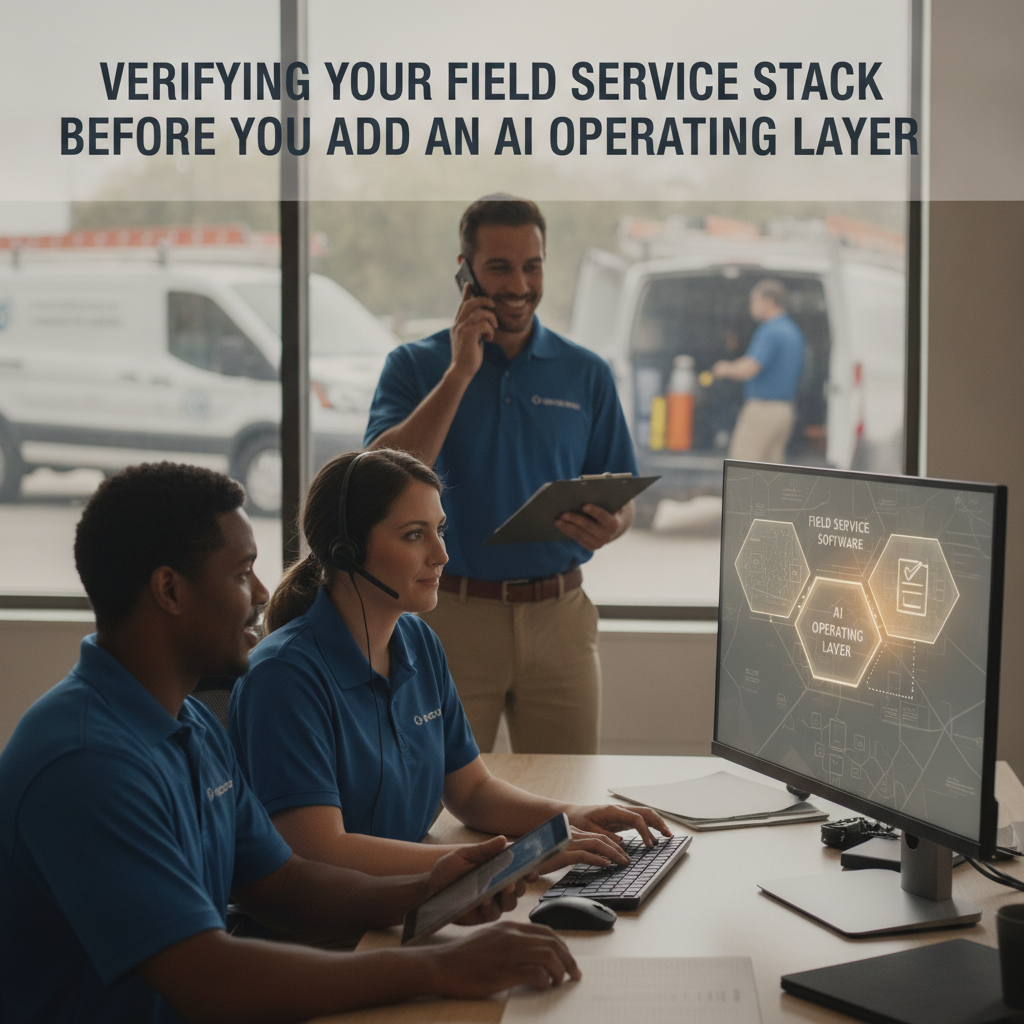
Your dispatcher is juggling phone lines, a whiteboard of technician routes, and a stack of estimates that need follow-up before the afternoon rush. Your field service management software handles scheduling and invoicing, but the gap between a customer's first call and a technician rolling out the van still depends on someone at a desk reading between the lines. You don't want to rip out the tools your crew already knows. You want an operating layer that works alongside them.
That is the question this article addresses: what do you verify before connecting an AI agent to the systems your business already runs?
The Bottleneck in Your Business
The problem is not a missing feature in your FSM. It is the handoff. A customer calls about a burst pipe at 7:15 a.m. Your office answers, qualifies the job, checks which technician is nearest and has the right trade, updates the schedule, texts the customer an ETA, and logs the dispatch. Every step is manual, sequential, and dependent on one person being at the desk. When that person is on lunch, the call goes to voicemail and the next available technician is an hour later.
The same pattern repeats for estimate follow-ups, appointment changes, and after-hours intake. Your existing software stores the data; it does not coordinate the conversation, the assignment, and the customer update in one governed action.
How PLMBR AI Agents Help with This Workflow
PLMBR's Provider Enterprise offering operates across the channels your customers already use—call, text, and email—without requiring your team to learn a new app. The agent handles the coordination layer: it checks trade, skill, availability, urgency, proximity, and office to assign the right technician, then sends the customer an ETA update PLMBR Provider Enterprise.
Dispatch and appointment booking are distinct operational steps. The product documents qualification and appointment booking as the front-office path from first contact to a scheduled visit, while dispatch handles the actual technician assignment by trade, skill, availability, urgency, proximity, and office PLMBR Provider Enterprise. Your office can set approval boundaries for each operational area.
The agent does not replace your FSM, CRM, or accounting stack. The product page states that the customer keeps existing systems, accounts, and workflows while PLMBR operates across them PLMBR Provider Enterprise. Connection delivery happens during onboarding around your authorized accounts, system capabilities, security requirements, and operating method.
Office rules define what the agent can do without asking. Approval thresholds route sensitive actions—a discount above a set amount, a schedule change that affects another job—to a named approver. If a situation falls outside the configured boundaries, an authorized operator can take over immediately through escalation paths and emergency pause controls PLMBR Provider Enterprise.
The Business Inputs and Existing Tools to Discuss During Onboarding
Before you connect anything, sit down with your office manager and walk through the following:
- Current FSM and CRM. Which platform holds your job records, technician schedules, and customer history? PLMBR supports data migration and connections to existing CRM, field-service management, accounting, payroll, GPS, telematics, and custom systems PLMBR Provider Enterprise.
- Accounting and payment tools. If you use QuickBooks, the product documents a connected bookkeeping layer across customers, estimates, invoices, payments, expenses, jobs, and offices PLMBR Provider Enterprise.
- Communication channels. Your business number can be kept through forwarding, porting, BYOC/SIP, hosted messaging, or another configured connection. Confirm which method fits your carrier.
- Office roles and permissions. Who can approve a dispatch change? Who can issue a refund? Who sees only read-only data? PLMBR configures permissions by person, office, channel, intent, and connected system PLMBR Provider Enterprise.
- Custom workflows. If your operation runs differently from a standard template, PLMBR's custom buildouts cover custom agents, workspaces, workflows, reports, and connections to proprietary systems PLMBR Provider Enterprise.
The key verification: confirm the exact scope of each connection during onboarding. The product page notes that connections use webhooks, APIs, and flat-file exchange for systems that need another integration method PLMBR Provider Enterprise.
Workflow Table
| Task | Documented Agent Capability | Office Decision or Demo Question |
|---|---|---|
| Inbound service call (water heater failure) | Agent checks trade, skill, availability, urgency, proximity, and office; assigns a technician; sends the customer an ETA update PLMBR Provider Enterprise | Which urgency tiers trigger immediate dispatch versus next-available scheduling? Who approves a same-day reassignment? |
| Appointment booking (maintenance visit) | Agent handles qualification and appointment booking from first contact to a scheduled visit PLMBR Provider Enterprise | What lead time does your office require before a booking is confirmed? Does the customer choose a window or does the office? |
| Invoice follow-up and payment reminders | Agent identifies what is due, follows approved collection rules, and escalates exceptions PLMBR Provider Enterprise | What discount or payment-plan threshold requires a named approver before the agent can offer it? |
| Schedule change or technician swap | Schedule coordination and assignment changes preserve the reason, owner, and history PLMBR Provider Enterprise | Does a swap that affects a second job require dual approval? How long is the audit trail retained? |
| After-hours emergency intake | Agent handles emergency and after-hours intake, escalation, and immediate human takeover PLMBR Provider Enterprise | What is the escalation path at 2 a.m.? Which office role receives the handoff? |
Scroll to see all columns →
Owner Review, Exceptions, and Human Takeover
Automation only works when your team trusts the guardrails. PLMBR documents read-only and draft-only modes, bounded autonomy, and least-privilege access to define what the agent can see, prepare, and do at each stage PLMBR Provider Enterprise.
In practice:
- Draft-only mode. The agent prepares the action for review before it is executed.
- Bounded autonomy. The agent acts independently within your configured thresholds and routes anything outside those bounds to a named approver.
- Immediate human takeover. An authorized operator can step in on any channel—call, text, or email—through escalation paths and emergency pause controls PLMBR Provider Enterprise.
Every consequential step carries an audit record: the request, context, action, approval, connected system, and responsible person or agent PLMBR Provider Enterprise. Your office manager can trace why a technician was assigned, who approved the change, and what action was taken on the connected system.
An Illustrative Job: Customer Inputs and Questions to Test in a Demo
This is a demo evaluation exercise, not a product execution. Use it to structure your conversation with the PLMBR team.
Scenario: A plumbing office in a mid-size city. A customer texts at 6:50 a.m.: "Kitchen sink is leaking under the cabinet. Not flooding, but I need someone today if possible."
Customer inputs to prepare for the demo:
- Trade: plumbing
- Urgency: same-day preferred, not emergency
- Location: within the office's service territory
- Customer history: existing maintenance plan, two prior visits
Questions to ask during the demo:
- How does the agent determine which technician is "nearest and qualified" for a plumbing repair? Can I see the matching criteria in the demo?
- What does the customer receive after the agent assigns a technician? Is the ETA text a template I can edit, or does the agent draft it from the job context?
- If the assigned technician's schedule shifts before the van leaves, how does the office get notified, and what does the customer see?
- Can I set a rule that any same-day dispatch to a customer with an open balance requires a quick approval from the office manager before the ETA is sent?
- How does the agent handle the after-hours version of this text—does it book, escalate, or both?
Do not assume the agent will execute any step you have not seen demonstrated. Ask to see each action in the configured environment.
How to Evaluate This Workflow
Use the demo to confirm fit for your specific operation. Below are the questions we recommend asking, with what to look for in the answer.
Does PLMBR connect to my current FSM without replacing it?
The product page states that existing systems remain in place and that connection scope is confirmed during onboarding around your authorized accounts and system capabilities PLMBR Provider Enterprise. In the demo, ask which integration method—API, webhook, or flat-file—applies to your specific FSM and what data flows in each direction.
Can I set different approval thresholds for dispatch versus financial actions?
PLMBR documents permissions by person, office, channel, intent, and connected system, with approval thresholds and audit history PLMBR Provider Enterprise. Ask the demo team to show a dispatch approval rule and a financial approval rule side by side so you can confirm they operate independently.
What happens when the agent hits a situation it is not configured to handle?
The documented answer is escalation to a named approver and immediate human takeover through emergency pause controls PLMBR Provider Enterprise. In the demo, ask them to walk through a specific exception—say, a customer requesting a discount above your threshold at 11 p.m.—and show the handoff path.
How do I verify the audit trail covers my compliance needs?
Every consequential step records the request, context, action, approval, connected system, and responsible person or agent PLMBR Provider Enterprise. Ask to view a sample audit record in the demo and confirm it meets your internal review or insurance requirements.
Next Step and Demo Invitation
Start by evaluating PLMBR when keeping your existing field service stack while adding a governed AI operating layer is your priority. The PLMBR for your business page outlines the full scope of channels, dispatch, finance, and operating controls. You can explore the product walkthrough to see how call, text, and email channels connect to the operating layer, and browse our blog for additional home service workflow guides.
When you are ready to see the dispatch, booking, and approval workflows configured around your specific office rules, book a Provider Enterprise demo. Bring your current FSM name, your office role list, and two or three real job scenarios. The demo team will walk through how the agent operates within your boundaries and where a human takes over.