
When Your Dispatcher Is the Bottleneck: How PLMBR Dispatch Agents Handle Technician Assignment and Customer ETAs
Your dispatcher just took a call about a burst pipe on Maple Street. Before assigning a tech, they need to check who's on the road, who holds the right trade…
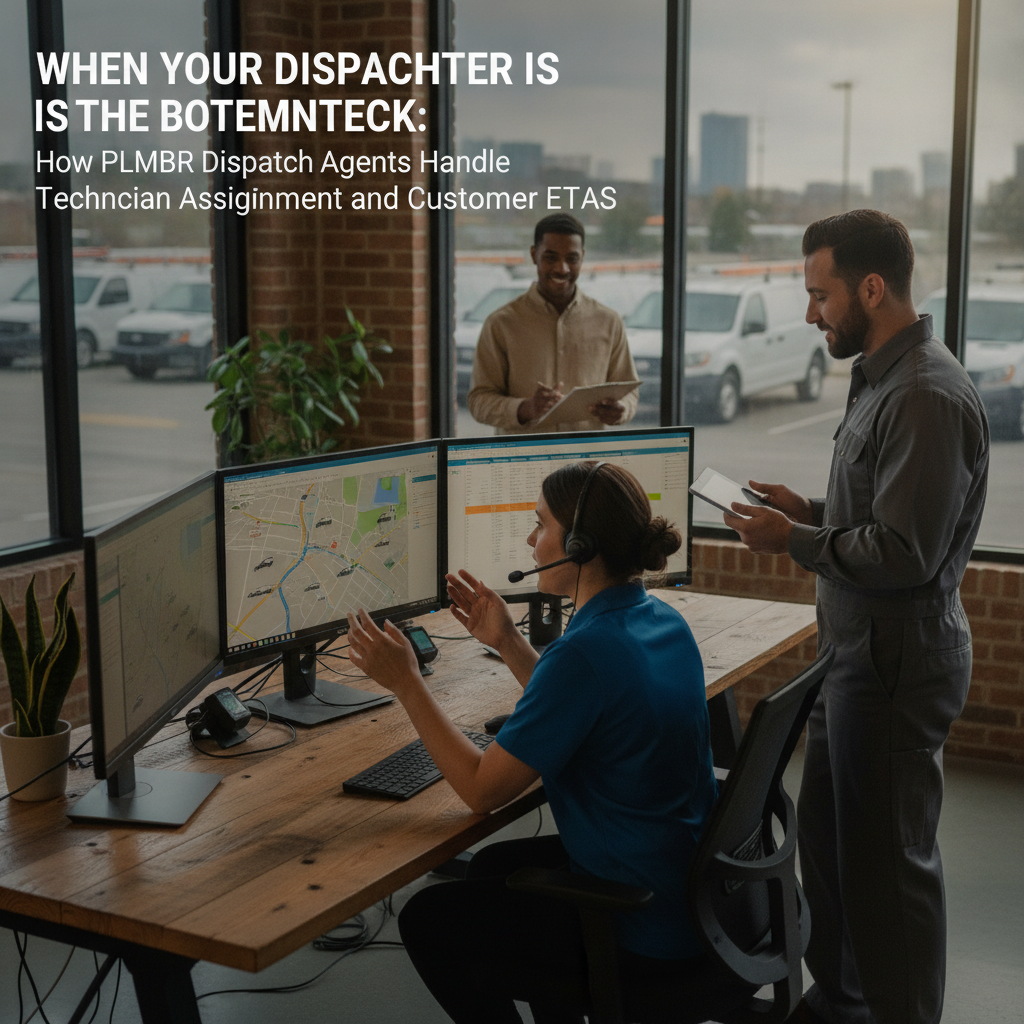
The bottleneck in your business.
Your dispatcher just took a call about a burst pipe on Maple Street. Before assigning a tech, they need to check who's on the road, who holds the right trade certification, whether anyone is within a reasonable drive, and whether the urgency overrides a scheduled service call. Then they text the customer an ETA, update the schedule, and log who made the call and why.
Multiply that by every incoming job across a morning, and the dispatcher becomes the single coordination point for your entire field operation. Every schedule change, every "can you move that to Thursday?" text, every after-hours emergency routes through one person's phone and memory. Your crew is out in the vans, but the coordination layer is one desk.
PLMBR's Provider Enterprise offering addresses this by giving your office a dispatch agent that operates across customer conversations, scheduling, and field work through call, text, and email. The agent matches incoming jobs against your technician roster and sends the customer an update, while your office rules determine what the agent handles autonomously and what requires a human sign-off. You keep your existing field-service software, GPS tracking, and accounting stack; PLMBR operates across them. PLMBR for your business describes this as running the whole business by call, text, or email, with the agent acting across customers, dispatch, field work, finance, and follow-up.
PLMBR dispatch agents: documented steps and office control.
The published dispatch workflow in Provider Enterprise works in three documented steps. First, the agent checks the job against trade, skill, technician availability, urgency, proximity, and office. Second, it assigns the matching technician. Third, it sends the customer an ETA update. PLMBR Provider Enterprise documents this sequence: the agent checks trade, skill, availability, urgency, proximity, and office, assigns the right technician, and sends the update.
That sequence is distinct from appointment booking. Booking qualifies the inquiry and schedules a visit; dispatch assigns a specific technician to an already-scheduled or urgent job and communicates the ETA. In your operation, a customer texts "my furnace is out" at 6 a.m. The booking layer qualifies the issue and slots a visit. The dispatch layer then matches the HVAC tech who is closest, has the right skill, and is available, assigns them, and sends the customer an ETA.
Schedule coordination and assignment changes preserve the reason, owner, and history. When a tech calls in sick and the agent reassigns the job, the record shows who triggered the change, why, and what the prior assignment was. This matters for payroll, customer trust, and your office's ability to audit a disputed schedule.
Office rules govern what the agent does without asking. Permissions are set by person, office, channel, intent, and connected system, with approval thresholds and an audit trail. A dispatcher in your Columbus office may reassign a routine service call within their territory, while a change that crosses into a different trade or exceeds an approval limit routes to a manager. An authorized operator can take over immediately, and an emergency pause control is available if something goes wrong.
The business inputs and existing tools to discuss during onboarding.
Before the dispatch agent is useful, it needs to understand your operation. During onboarding, PLMBR configures connections around your authorized accounts, system capabilities, security requirements, and operating method. Provider Enterprise connection delivery happens during onboarding, and the customer keeps existing systems, accounts, and workflows while PLMBR operates across them.
Bring the following to your onboarding conversation:
- Technician roster and skills: trades, certifications, territories, and availability patterns for each tech on your crew.
- Office structure: locations, office-specific numbers, team assignments, and which roles (dispatcher, estimator, office admin, owner) need which permissions.
- Service rules and approval limits: what the agent can do autonomously versus what requires a named approver.
- Existing systems: your field-service management platform, CRM, GPS or telematics provider, accounting software, and any custom tools. Connection scope is confirmed during onboarding; PLMBR does not require you to replace these systems.
- Communication channels: your current business number (kept through forwarding, porting, BYOC/SIP, or another configured connection), text messaging, and email.
Custom buildouts are part of Provider Enterprise onboarding and expansion. If your dispatch logic includes territory-specific routing, seasonal skill requirements, or a multi-office escalation chain, that workflow is configured, tested, and launched with your owners, offices, teams, permissions, approvals, and connected systems.
Workflow table
| Task | Documented agent capability | Office decision or demo question |
|---|---|---|
| Technician dispatch | Agent checks trade, skill, availability, urgency, proximity, and office; assigns the matching technician; sends the customer an ETA update | Which urgency thresholds trigger immediate dispatch versus next-available scheduling? Show a reassignment when the primary tech is unavailable. |
| Appointment booking and qualification | Qualification and appointment booking keep the front office moving from first contact to a scheduled visit | How does the agent distinguish a new inquiry that needs booking from an existing job that needs dispatch? |
| Schedule changes and reassignment | Schedule coordination and assignment changes preserve the reason, owner, and history | What approval is required when a change crosses a territory or trade boundary? Who is the named approver? |
| Customer ETA and status updates | Agent sends the customer an update | What does the ETA message include? Can the customer reply to reschedule, and does that trigger a new dispatch check? |
| Fleet and location context | Track truck and fleet locations through connected GPS or telematics | Which GPS or telematics provider do you use, and is the connection in scope for your onboarding? |
| Office rules and permissions | Permissions by person, office, channel, intent, and connected system, with approval thresholds and audit history | Which roles can approve a dispatch change, and what is the approval limit before it escalates to the owner? |
Scroll to see all columns →
Owner review, exceptions, and human takeover.
The dispatch agent operates inside explicit company knowledge and approval boundaries, not a generic playbook. You teach the agent your company SOPs, price books, service rules, territories, approval limits, and brand voice. The agent acts within those boundaries.
Approvals stay attached to the action. When the agent proposes a dispatch change that exceeds a threshold—say, assigning a tech outside their normal territory or approving overtime—the action routes to the named approver. The audit history records the request, context, action, approval, connected system, and the responsible person or agent. Every consequential step is attributable.
For exceptions the agent cannot resolve within its permissions, escalation paths route the issue to the right person. An emergency pause control is available if something goes wrong. At any point, an authorized operator can take over immediately. Read-only and draft-only modes, bounded autonomy, and least-privilege access define what the agent can see, prepare, and do at each stage.
In practice, your owner or office manager can review a batch of dispatch decisions at the end of the day, see which ones the agent handled autonomously and which required approval, and adjust the rules for the next cycle.
An illustrative job: inputs and demo questions
This is a demo evaluation exercise, not a record of a completed job. Use it to structure your conversation with the PLMBR team.
Scenario: A plumbing office in a mid-size city receives a text at 7:15 a.m.: "Water heater is leaking, kitchen floor is getting wet. Can someone come today?" The office has three plumbers on the schedule. One is already en route to a water-heater replacement two miles away; the other two are on routine service calls.
Customer inputs to prepare for the demo:
- The text message above (channel: SMS to the office number).
- The customer's address and the fact that this is a residential service call.
- The current technician schedule for the day: three plumbers, their locations, and their assigned jobs.
- The office's dispatch rule: water-heater leaks are urgent priority; the nearest qualified plumber with availability should be dispatched.
Questions to test in the demo:
- Does the agent identify the leak as an urgent plumbing job and check the three technicians for trade, skill, availability, urgency, proximity, and office match?
- Does it assign the nearest available plumber and send the customer an ETA?
- If the nearest plumber is already on a water-heater job, does the agent consider the second plumber, and does the assignment record show the reason for the choice?
- If the customer replies "Can you do 2 p.m. instead of now?", does the agent update the schedule, retain the change reason and owner, and confirm the new time?
- What approval, if any, is required before the agent sends the ETA?
How to evaluate this workflow.
Does the dispatch agent work with my current field-service software?
Provider Enterprise connects to existing CRM, field-service management, accounting, payroll, GPS, telematics, and custom systems during onboarding. The customer keeps existing systems, accounts, and workflows while PLMBR operates across them. Connection scope is confirmed during onboarding around your authorized accounts and system capabilities. Ask the PLMBR team to confirm whether your specific FSM platform and GPS provider are in the connection scope for your operation.
How do I set the boundary between what the agent dispatches and what needs my approval?
Permissions are configured by person, office, channel, intent, and connected system, with approval thresholds. You define which dispatch actions the agent completes autonomously and which route to a named approver. The operating controls section documents read-only and draft-only modes, bounded autonomy, and least-privilege access. In your demo, ask to see how you would set a rule like "agent can reassign within the same trade and territory; cross-trade reassignment requires dispatcher approval."
What happens when the agent makes a dispatch decision I disagree with?
Schedule coordination and assignment changes preserve the reason, owner, and history. An authorized operator can take over immediately, and an emergency pause control is available. The trust and control section documents escalation paths, emergency pause controls, and immediate human takeover. In the demo, ask to walk through a scenario where you override an agent assignment and confirm the audit trail captures your override, the reason, and the prior assignment.
Can I run this across multiple offices with different dispatch rules?
Provider Enterprise supports multi-office operations with office-specific numbers, roles, teams, schedules, and operating rules. The multi-office section describes one operating layer across locations with controlled approvals and permissions. Ask the PLMBR team how office-specific dispatch rules—territories, tech assignments, approval chains—are configured and whether a single agent can operate across offices with different rule sets.
Next step and demo invitation.
Start by evaluating PLMBR when dispatch coordination, technician assignment, and customer ETA communication are the workflows that consume your dispatcher's day and create the most schedule friction. The dispatch agent is one part of a broader operating layer that also covers customer intake, estimates, booking packets, finance, and follow-up, but the dispatch workflow is where the day-to-day pressure is most visible for your crew and your office.
To see how the dispatch agent would operate in your specific office, book a Provider Enterprise demo. Bring your technician roster, your current dispatch rules, and the questions from the illustrative job above. The PLMBR team will walk through the documented dispatch steps, show how office rules and approvals are configured, and confirm connection scope for your existing systems.
For a broader look at how the agent operates across channels, see the product walkthrough. For related workflows—estimate follow-up, invoice collections, maintenance reactivation—visit our blog. And when you are ready to explore the full offering, start with PLMBR for your business.