

Project and plan software
- Your project management app
- Plan rooms and bid boards
- Estimating spreadsheets
through its API, or its web app, signed in like a person

An autonomous office for construction
Calls, office work, takeoff, purchasing, project management, and accounting. Your crews and subs just text. You text, call or email from the site. Keep your project software and spreadsheets, or choose PLMBR.
The film
After the film
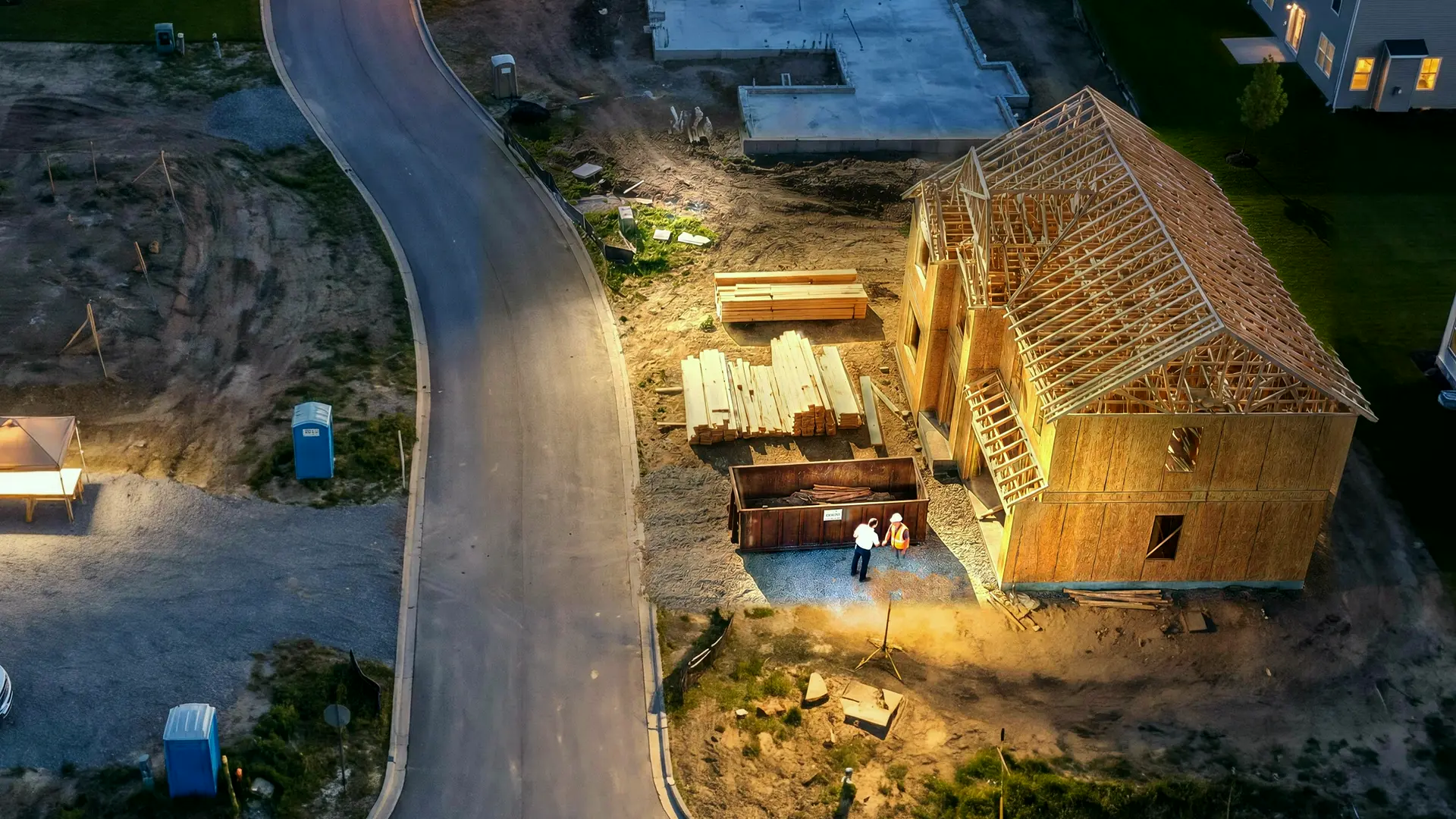
One project, start to finish: a site visit booked, the proposal repriced, a late delivery chased, a progress invoice sent.
The crew texted. The office ran on its own, alongside the software the company already uses.
The lead agent decides where your next projects come from (invitations to bid, new permits, referrals) and turns them into qualified project conversations, with the scope captured and the next step set.
Inbound and outbound calls cover scope, site, timing and documents, and end with the next appointment on the calendar.
Drawings are filed by revision and measured into quantities you can trace to the sheet, then priced with your labor, suppliers and markup into a proposal.
Crews text progress, photos and problems. The agent chases suppliers, reworks the schedule, and keeps field tasks, possible changes and approved change orders apart.
Budget, committed and actual costs, approved changes, progress invoices and payments stay current, so forecast margin is a number you can check.
Actual costs, supplier history, reusable documents and your preferences carry into the next estimate and the next schedule.
What the office just did
01 Calls and customers
02 Office, takeoff, and estimates
03 Projects and purchasing
04 Accounting
Text, call or email
Or call the company line, or forward the drawings. Whatever you would ask a project coordinator, the office does in your systems, then tells you it's done.
What the office did
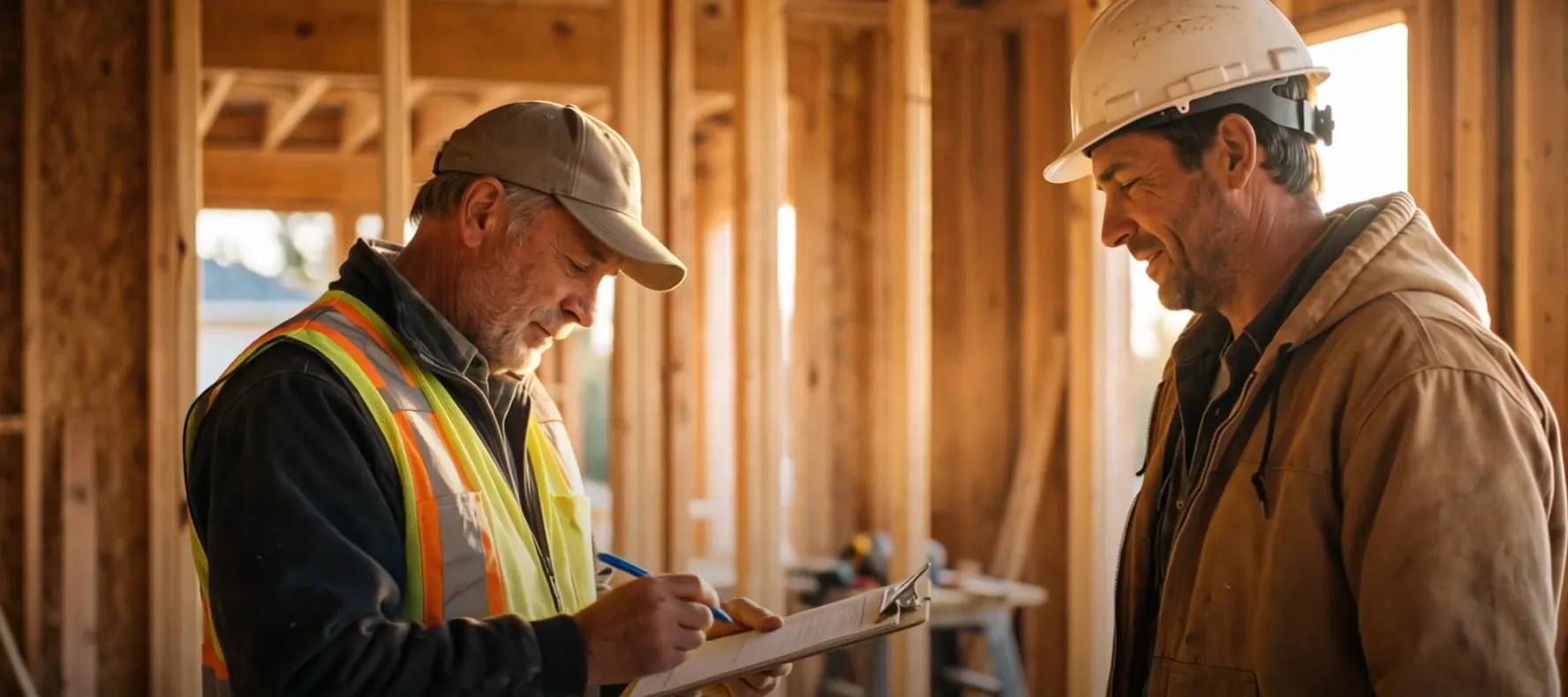
Inspector moved framing to Thursday. Can we still pour Friday?
Sample with sample names.
Things owners ask the office: Where are we on the Park kitchen? Is the window order on time? Text me who's on which site tomorrow. Send the next draw when drywall's done. What's my margin on the Kim remodel? Book a site visit for the Hope addition. Tell Marco the pour moved to Friday. What did the Kim remodel cost us in labor? Text me the week's schedule Sunday night. No lumber orders over $8,000 without me. Email the architect the field photos. Reprice Rev C and send it if it's under ten grand.
Its own computer
When the work isn't a text or a call, the office opens it on its own computer: the county's permit site, a supplier's portal, your project software. It does the clicking, then tells you it's done.
Sample with sample names and sites.
Works with
Calls, texts and email come in. PLMBR does the office work and writes it back into the systems your team already uses, so nobody has to change screens.
The office, workingthrough its API, or its web app, signed in like a person
Chase, Bank of America, Wells Fargo, Ameris or any bank with online banking

DocuSign, DocuSeal, Quo or a system of your own: if it has an API or a sign-in, Felicity, PLMBR's agent, builds the connection.
What PLMBR does
Every build runs on two crews. One is on site. The other is the office: the calls, the plans, the takeoffs, the orders, the schedule and the draws. PLMBR runs the office. Your crews just text, your clients just call, and the project keeps moving.
How it works
01 / 05
The line answers and returns calls about scope, site and timing, keeps every contact on the project, and books the site visit on the real calendar.
Meet the client lineConnects to
Calls and customers
The line answers and returns calls about scope, site and timing, keeps every contact on the project, and books the site visit on the real calendar.
Connects to: Company line, Texts, Email.
More about the client lineDrawings are filed by revision, measured into quantities traced to the sheet, priced with your labor, suppliers and markup, and sent as a proposal you can stand behind.
Connects to: Drawings, Takeoff, Supplier quotes.
More about the estimatorProgress, photos and problems come in by text. The agent chases deliveries, resequences the schedule, and keeps field tasks, possible changes and approved change orders apart.
Connects to: Crew texts, Schedule, Purchase orders.
More about the project managerBudget, commitments, actual costs, approved changes, progress invoices and payments stay current, and forecast margin moves the day a bill comes in.
Connects to: Progress invoices, Vendor bills, QuickBooks.
More about the accountantActual costs, supplier history, your documents and your rules carry into the next estimate, so the tenth kitchen is priced from the nine before it.
Connects to: Past projects, Your rules, Connected tools.
Everything it does
Answers the line Knows the project Books the site visit Calls and texts back Qualifies new work Brings you what needs you Hands you the call Checks with you while they hold Speaks Spanish Never promises a date it can't keep Reports every call
Files drawings by revision Takeoff traced to the sheet Priced your way A proposal you can stand behind Re-prices when plans change Asks what changed A materials list and a 3D model Prices to your margin Current material prices Sub quotes, side by side Follows every proposal Contract from the proposal
Reads crew texts Chases deliveries Resequences the schedule Keeps changes apart Change orders Tells the client Buys the materials Work orders and purchase orders Permits and inspections Selections on time Closeout and turnover
Progress invoices Every bill on the job Costs kept current Payments recorded Books kept current Margin on request Matched to the bank Crew hours, done Subcontractor 1099s, e-filed Pays your vendor bills Reports by email Cash, weeks ahead Late draws followed up Deposits held until earned Credits and returns
59+ trades
Builders, remodelers, general contractors and every specialty trade: the office is set up for the way your company wins, prices and runs work.
Plans, selections, draws and the punch list.
Site walks, proposals, change orders and schedules.
Bids, subcontractors, purchase orders and progress billing.
Design fees, revisions, precon and the build.
Takeoffs, pours, crews and inspections.
Lumber packages, crew days and inspections.
Rough-in, trim-out and the inspector's visit.
Measurements, materials, crews and warranty work.
Run your business by text, call or email.
Keep
PLMBR works alongside your project software, QuickBooks, and the email and calendars your company already uses. Your team keeps the screens they know.
Move
Move the workflows you want into PLMBR's own workspace, one at a time or all at once.
2 of 6 in PLMBR, the rest where they are.
Your crews just text. No additional app required. Owners and project leads text, call or email.
Getting started
Your company line, inbox, calendar, project software, plan files and QuickBooks. Each by its own sign-in, and only the ones you choose.
Past projects, actual costs, suppliers, subs and crews, and your rules, each fact with its source. It asks you by text about anything it can't find.
It runs a copy of your company in a sandbox and shows you what it would have done on a live project, before a client, a sub or a supplier hears from it.
Start with the line, then add takeoff, purchasing or billing when you're ready. The whole office stops from the same page.
Your office
19
companies run their office on PLMBR
The Greatful Plumber in Jacksonville, Florida went from four people in the office to no dispatcher and no office admin.
FAQ
What owners ask before they hand PLMBR the phone.
Still have a question?
Ask the assistant anything about PLMBR, or set up a time with the team.
No. Crews and subcontractors text the agent from the phone they already carry: progress, photos, delivery problems and questions. There is no crew app, portal or login.
Yes. Owners and project leads text, call or email the agent to check a job, move a delivery, ask about a margin, forward drawings or give an instruction. Routine office work keeps moving without waiting for those messages; texting, calling or emailing is how you direct or inspect it. The web workspace is optional.
Yes. It works in the project software, accounting and email you already use: through each system's API where there is one, and in its web app, signed in the way a person would, where there isn't. QuickBooks is kept current where you connect it, and every change there waits for your OK until you decide otherwise.
No. Keep your current systems and PLMBR operates alongside them, or move the workflows you choose into PLMBR's own workspace. That choice is yours, and it can be made one workflow at a time.
Yes. Plans, takeoff and estimating, proposals, purchasing, scheduling, crews and subcontractors, selections, changes, progress billing and project financials are all part of the construction office, alongside calls and day-to-day administration.
From the records and accounts you authorize, such as past jobs, invoices, pricebooks, schedules and messages, and from the instructions you give it. Each fact keeps where it came from, and a correction you make once is applied from then on.
PLMBR is priced per company, not per seat: one number, set by how much of the office it runs and how big your company is. Adding a person to your office never raises it. You get your number on a 15-minute call.
You set it up by text. It reads the past jobs, prices and accounts you connect, asks about anything it can't find, and shows you what's ready on one page. Before it goes live it rehearses on a copy of your company, and you turn it on, or off, from that same page.
Anything it isn't sure of comes to you with the conversation attached, instead of a guess. Every action is logged with where its facts came from, a correction you make once holds from then on, QuickBooks changes wait for your OK, and you can stop the office from one page at any time.
PLMBR reads only the accounts you connect, and uses them only to run your office. Each fact keeps its source. Disconnect any account, your bank included, and what was kept from it is deleted. The privacy policy has the details.
Anywhere in the United States. The office keeps your time zone, looks for work in the towns you build in, and works the county and city permit sites your projects use.
The line answers as your company. If a caller asks whether they're talking to a person or an AI, it says plainly that it's your company's AI assistant, and puts them through to someone on your team when the call needs a person.