ConstructionCalls000
Construction
Client lineEstimatorProject managerAccountantLead agentEverything

The lead agent · Before the call

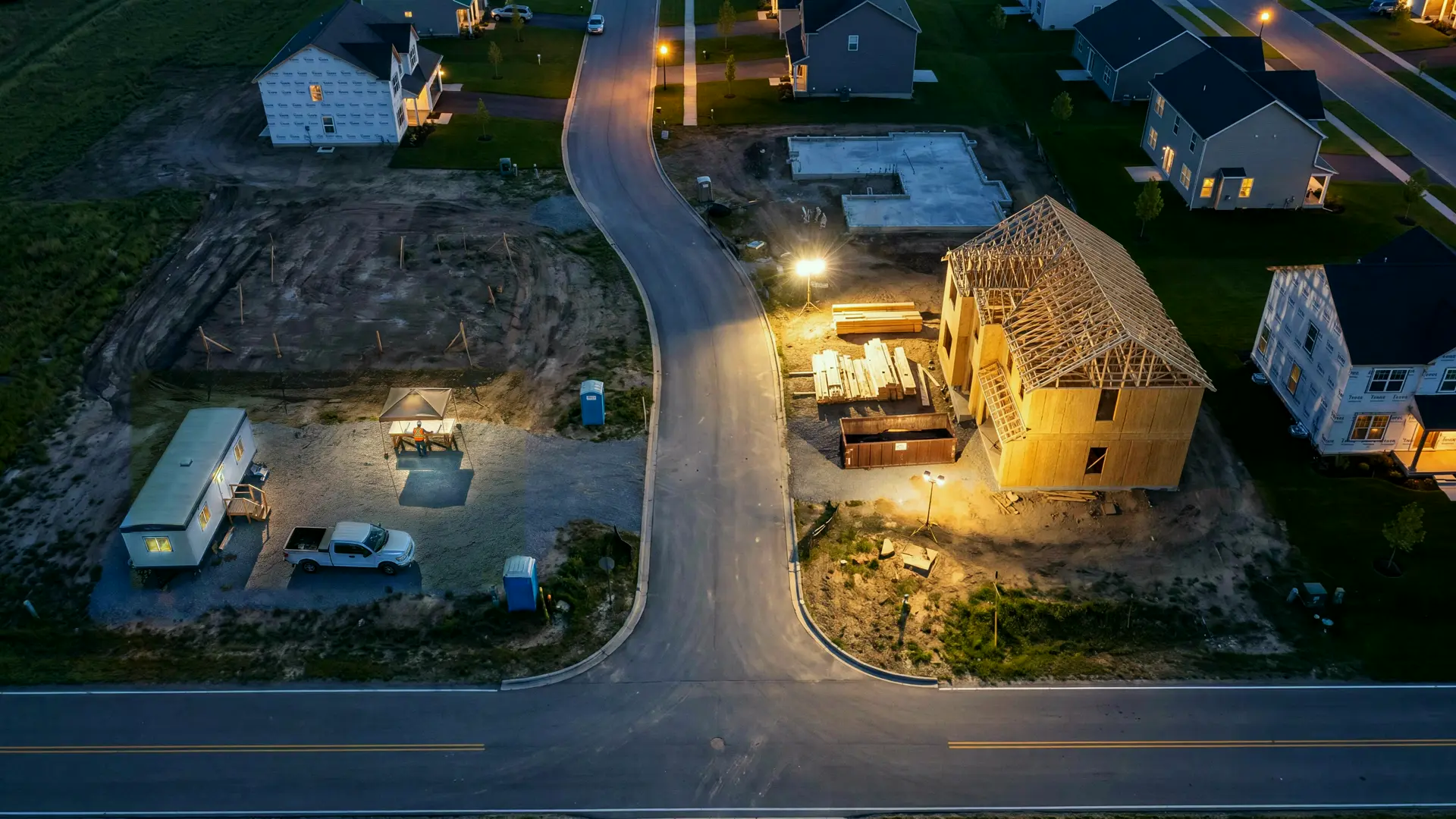
The next project starts taking shape.

The lead agent works out where your next projects will come from and goes after them on its own: invitations to bid, the developer behind a new permit, a referral. Each becomes a qualified project conversation, with the scope captured and the next step already set.

Meet your lead agent

The lead agent decides where your next projects come from, finds the developer or owner behind each one, reaches out on the right channel, and follows up until there's a set of drawings to price.The lead agent decides where your next projects come from, finds the developer or owner behind each one, reaches out on the right channel, and follows up until there's a set of drawings to price.

What the lead agent handles

01

Decides where the work is

From the work you take, the towns you build in and what has turned into bids, it picks where to look: bid invitations, new permits, developers and owners, referrals.

02

Changes course on its own

A source that stops turning into bids is dropped for one that does, without waiting to be told.

03

Reads the permit records

When permits are where your projects are, the new ones in your area are read every day and the developer or owner behind each is looked up.

04

Answers invitations to bid

An invitation to bid is qualified against the work you take, and the drawings are requested.

05

Finds the person

Public records and the company's own listing give a real name, phone and email.

06

Reaches out the right way

A text, an email with your company's address and an opt-out, or a call to the developer's office. No price goes in a cold message.

07

Follows up every day

A developer or general contractor hears back every day until they answer, say no, or ask it to stop.

08

Plans every morning

Each morning it checks whether your pipeline is thin, and plans the day's rounds around it.

09

Gets the drawings

When a project is a fit, the plans and bid date are filed to a new project for the estimator.

10

Stops when asked

STOP, or "take us off your list", is honored at once, on every channel.

Hear it work

Sample calls and threads, start to finish. In a call, click a line to jump to it.

From the film · Before the call
PLMBR · Call 1 of 2

A four-unit permit on Pine Street

The lead agent calls the developer behind a new permit, learns bids are open until month end, and asks for the drawings.

…

    Sample call. The voices are generated; the office's voice is the one PLMBR's company line uses.

    How a request moves

    1. 1

      It picks where to look

      Invitations to bid, new permits, referrals: wherever the work you take is coming from.

    2. 2

      It qualifies the work

      Against the size, type and towns you take.

    3. 3

      It reaches out

      On the right channel, in your company's name.

    4. 4

      Drawings in, estimate next

      The plans land on a new project for the estimator.

    You stay in charge

    • Choose the work it goes after: size, type and the towns you build in.
    • STOP, or "don't call me", on any one channel stops every channel at once.
    • You see each day's prospects and replies, and anything it isn't sure of comes to you first.

    Works with

    • Permit records
    • Public records
    • Bid invitations
    • Company line
    • Email

    Questions

    Who does it contact?

    Whoever it decides is likely to need your work: the developer behind a new permit, a general contractor inviting bids, an owner a referral named. It reaches out in your company's name, follows up until there's an answer, and stops the moment anyone asks.

    How much does it do on its own?

    You decide. Some companies want drafts they approve; others let it handle safe replies and routine work by itself. You can set that for the whole company and change it for any single job that needs a different setting.

    Does construction include takeoff, office work, project management, and accounting?

    Yes. Plans, takeoff and estimating, proposals, purchasing, scheduling, crews and subcontractors, selections, changes, progress billing and project financials are all part of the construction office, alongside calls and day-to-day administration.

    The rest of the office

    Calls and customersThe client lineThe first conversation sets the next step.Office, takeoff, and estimatesThe estimatorPlans in, proposal out.Projects and purchasingThe project managerCrews text. The project keeps up.AccountingThe accountantMargin you can check any day.

    Run your business by text, call or email.

    Ask the assistant anything about PLMBR, or let it set up a time with the team.
    Home services

    The home services officeCSROffice managerDispatcherAccountantLead agentEverything it does

    Construction

    The construction officeClient lineEstimatorProject managerAccountantLead agentEverything it does

    What it does

    AI answering serviceAI dispatcherEstimates and follow-upTakeoff and proposalsConstruction project managementInvoicing and collectionsProgress billingAI lead generationConstruction lead generation

    Compare

    PLMBR vs BuildertrendPLMBR vs Houzz ProPLMBR vs CoConstructPLMBR vs JobTreadPLMBR vs KnowifyPLMBR vs ProcorePLMBR vs PipedrivePLMBR vs HubSpotPLMBR vs ServiceTitanPLMBR vs Housecall ProPLMBR vs JobberPLMBR vs PodiumPLMBR vs Dalton MillsAll comparisons

    Works with

    QuickBooksJobberGoogle WorkspaceMicrosoft 365iMessageSMS and text messagingAll integrations

    Company

    What is PLMBRCustomer outcomesPricingGuidesBlogPressQuestionsLog in

    Legal

    PrivacyTermsSMS terms

    Follow

    XLinkedInInstagramFacebook

    Ask AI about PLMBR

    ChatGPTClaudePerplexityGoogle AI ModeGrok

    The sample calls, threads and films are illustrations: the voices and story scenes are generated, and the screens are PLMBR's own app with sample data.

    Back to Construction