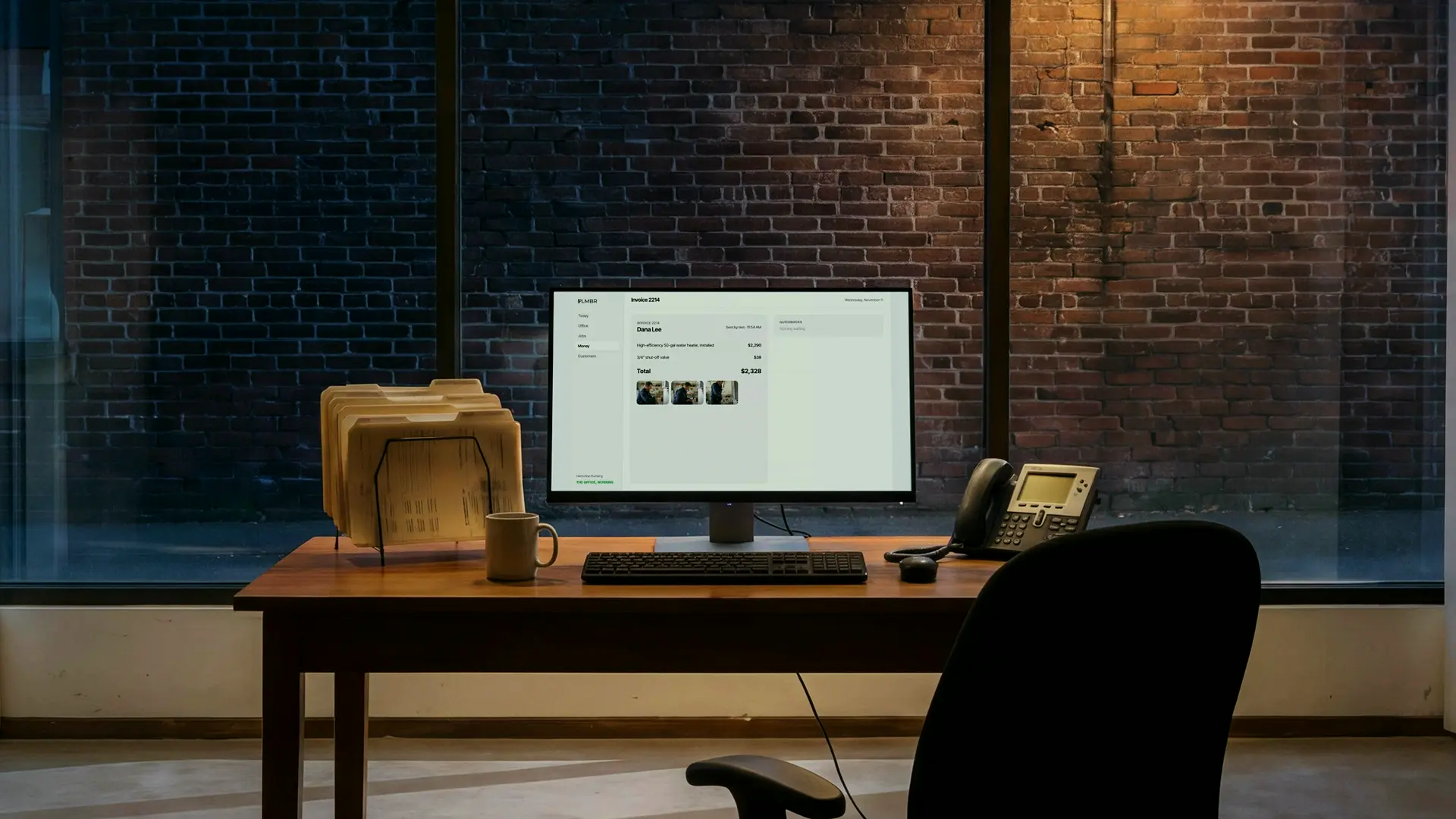
Money arrives job by job
A deposit at signing, a card payment at the door, a check in the mail and a draw after inspection can all belong to one job, and each has to land on the right invoice.
AI bookkeeping
AI bookkeeping keeps a company's books current without someone keying in every transaction. PLMBR's is built for contractors and home-service companies, whose money moves job by job: deposits, card payments at the door, checks, progress draws and supply-house bills. Every payment is matched to the invoice it paid, every bill lands on its job, deposits stay owed until the work is done, and QuickBooks stays in step with each change waiting for your OK. Because the same office quotes, dispatches and invoices, your books begin with the job itself rather than a guess at what a bank line was for.
A deposit at signing, a card payment at the door, a check in the mail and a draw after inspection can all belong to one job, and each has to land on the right invoice.
Supply-house invoices and subcontractor bills arrive days or weeks after the job, and unless they land on that job, its profit is a guess.
One deposit can be three invoices or part of one; matching it takes the invoice records, not just the bank feed.
Materials, labor and service calls can be taxed differently from state to state, and every subcontractor paid during the year needs a W-9 and possibly a 1099.
Your bank is connected, and every card payment, check and cash deposit is matched to the invoice it paid.
QuickBooks stays in step where you connect it, with every change waiting for your OK until you decide otherwise.
A deposit stays owed to the customer on your books until the work is done, and card payouts are matched to your bank.
Supply-house bills are entered on the job and paid through your own bank when you say so.
For builders and remodelers, each supplier bill is entered against the job and its budget when it arrives.
Budget, commitments, actual costs and approved changes stay up to date, project by project.
Sales tax is worked out on each invoice and the return prepared and filed; W-9s are collected and contractor 1099s e-filed at year end.
Hours from the technicians' texts are totaled under your pay rules and entered with your payroll provider.
Profit by service, technician and location, as a report you can open in PDF, Excel or PowerPoint.
Draws due, bills owed and payroll are projected week by week, so a short month shows up early.
Text to ask what's open this week; the answer comes from the records.
Ask for this week's cash or open invoices, and the report lands in your inbox.
Each of these is one of the things PLMBR's office does every day. See everything it does.
Sample calls and threads, start to finish. In a call, click a line to jump to it.
Sample call. The voices are generated; the office's voice is the one PLMBR's company line uses.
Software that records a business's transactions and keeps its books current with little data entry. PLMBR's works from the company's own jobs, invoices and bank, so each payment and bill is matched to the job it belongs to.
It does the day-to-day work: matching payments, entering bills, holding deposits, sales tax and 1099s. Many owners keep their CPA for income tax returns and the year-end review, now working from books that are already current.
No. QuickBooks is connected only where you choose, and every change it would make there waits for your approval until you decide otherwise.
Yes. For builders and remodelers it also keeps each job's costs, commitments and draws current, and projects cash week by week so a short month shows up early.
Ask the assistant anything about PLMBR, or let it set up a time with the team.